ERP Implementation Roadmap: What to Expect Month by Month
Ishita Singh, SaaS & Enterprise Solutions Specialist · November 28, 2026 · 12 min read
ERP Implementation Roadmap: What to Expect Month by Month
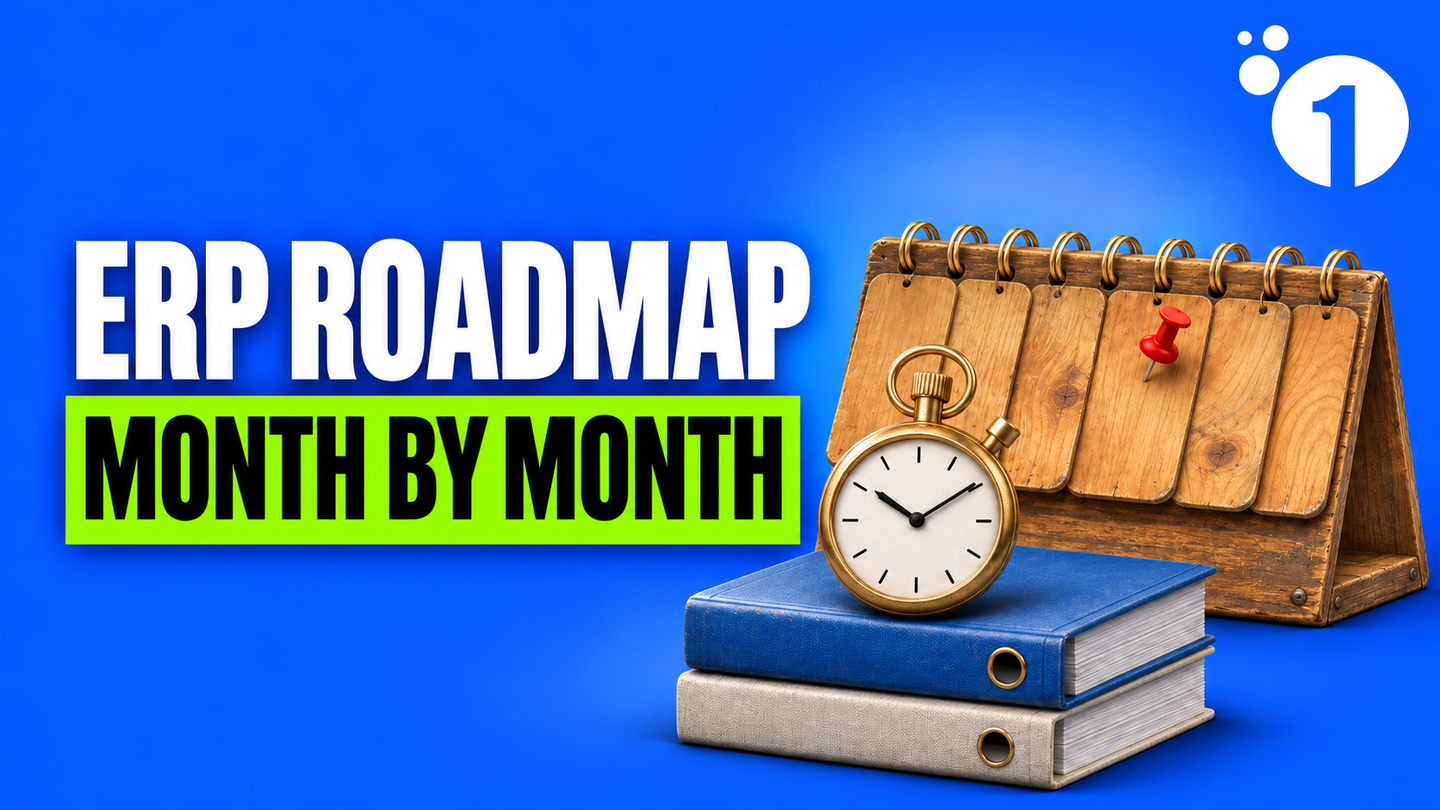
What an ERP project looks like month by month, from pre-kickoff decisions to hypercare, with a gate at each phase and a plain view of what stretches the timeline.
A weak first automation project stalls trust and budget. Learn how to build a candidate list, score processes, check readiness and pick the one worth automating first.
A month-by-month ERP roadmap is a planning aid. Decisions and data readiness drive duration more than the software does.
For a mid-sized, single-entity business, plan on about 9 to 12 months as guidance, and end every phase with a proceed, adjust or stop gate.
Settle targets, route, sponsor, process owners and written requirements before kickoff, and before any vendor demo.
Run data migration as repeated trial loads from Month 4, and have business owners reconcile the control totals.
Rehearse cutover, agree go/no-go criteria and a rollback point in advance, and staff support heavily for the first days.
Late scope, unowned data, over-customisation, busy users and slow decisions cause most delays, and each has a practical fix.
This ERP implementation roadmap walks through a typical project month by month. Most ERP projects are sold with a go-live date and run on a different calendar. The date is set before anyone has mapped the processes, checked the data or decided who has the authority to approve a design. By month four, the team is arguing about scope. By month eight, the business is still cleaning customer and item records it assumed were fine.
The cost is practical. Finance runs two systems side by side for longer than planned. Staff are trained on a system that then changes. Go-live lands in the middle of a quarter-end, and the project loses the trust of the people who have to use it. Much of this can be seen coming if you know what each month of a typical project should produce.
This guide walks through an ERP implementation roadmap month by month: the decisions to make before kickoff, then discovery, design, build and data migration, testing and training, cutover, and hypercare. It also covers what stretches the timeline and how to keep it on track.
It is written for founders, business owners, CEOs, CTOs, managing directors and operations or finance leaders who are about to commission or oversee an ERP project. The timings are planning guidance for a mid-sized, single-entity business, not industry rules or quotes. Adjust them to your scope, data quality and team capacity. If you are still deciding whether you need an ERP at all, start with our guide on when a business should move from CRM to full ERP.
How to read a month-by-month ERP plan
A month-by-month roadmap is a planning aid, not a promise. No honest ERP timeline has a fixed date, because decisions and data readiness drive duration more than the software does. This guide is for founders, CEOs, CTOs, and operations and finance leaders.
The scenario assumed here is a mid-sized business with one legal entity, a packaged or configurable ERP, and a core scope of finance, purchasing, inventory, sales and reporting. The plan stretches with more modules, entities and locations, more integrations, poor data quality and heavy customisation. It shortens when the business decides quickly.
Each phase ends in a decision gate: proceed, adjust or stop. The sequence is Month 0 preparation, Months 1 to 2 discovery, Months 3 to 4 design and configuration, Months 4 to 6 build, integration and migration trials, Months 6 to 8 testing and training, Months 8 to 9 cutover and go-live, and Months 9 to 12 hypercare and stabilisation. The 9 to 12 month baseline from kickoff to the end of hypercare is our guidance, not an industry rule.
Before month one: the decisions that set the timeline
Settle the problem first. State what the ERP must fix and attach a measurable target, such as month-end close time, stock accuracy or the order-to-cash cycle. Record today's baseline. Then confirm ERP is the right move; when to move from CRM to ERP covers the signs.
Next, choose the package and the build-versus-buy route using the custom vs off-the-shelf decision framework. Name an executive sponsor and a full-time or near-full-time project lead.
Set a budget range with the digital transformation cost guide, counting internal staff time. Add a contingency of 10 to 15%. This is Zero One Creation guidance, not a researched figure.
Name the owners
Appoint process owners from finance, operations, sales and the warehouse. Each needs authority to decide, or questions queue up and the plan slips.
Open with a kickoff that fixes governance. Run a steering committee every two weeks and agree a RACI for decisions, so everyone knows who is responsible, accountable, consulted and informed. Map order-to-cash, procure-to-pay, inventory and month-end close as they actually run, not as the manual describes them. Our guide to common mistakes when digitizing operations covers process design and ownership errors.
Fit-gap in practice
Mark each requirement as one of four outcomes:
Standard
Configurable
Needs an extension
Needs a process change
Then define what is in and out of the first release. Postpone nice-to-haves to a later phase.
Start the data inventory now
List which systems hold customers, items, vendors and open balances, and name an owner for each.
Illustrative, not real: a distributor finds that three teams keep separate customer lists. Master data becomes a Month 1 task, not a Month 6 surprise.
Gate at the end of Month 2: signed scope and a fit-gap list. All timings are our guidance.
Months 3 and 4: design and configuration
Run solution design workshops by process area, such as order to cash, procure to pay and finance. Each ends with a design document that the business owner signs. Our guidance is two months, though this varies with scope.
Configure first, customise last
Configuration covers the chart of accounts, item structures, approval workflows, roles and permissions. Prefer it over code. If a gap remains, extend through documented APIs and change the core last. The build vs buy guide explains why deep changes to the vendor core cause trouble. Zero One Creation's Business Automation and Custom Software Development services cover workflow automation and extensions of this kind.
Design integrations as products
List every connection: payment, banking, e-commerce, CRM, logistics, BI and legacy systems. Give each an owner and a data contract that states fields, formats, frequency and error handling.
Set up development, test and production environments with deployment automation, so configuration moves between them in a controlled way. Our Cloud and DevOps capability covers this.
Gate: design sign-off. After it, every change enters a change-control log with an estimate of its impact on time and cost.
Months 4 to 6: build, integrations and data migration
With design signed off, the team builds what the fit-gap list approved: extensions, reports, integrations and print layouts such as invoices and delivery notes. Build only what was approved. Anything new goes through change control.
Trial loads, not one big load
Data migration runs as a loop: extract, clean, transform, load, reconcile, fix, repeat. Plan at least 2 to 3 trial loads before the final one. This is our guidance, not a standard.
Clean master data early: duplicates, inactive items, inconsistent units and tax codes. Decide what history to bring. Open transactions and balances are usually migrated, while older history can be archived or reported from a read-only store. The CRM and ERP data migration strategy guide covers the full method.
Reconciliation the business can sign
Check each trial load against control totals: trial balance, open receivables and payables, and stock quantity and value. Business owners sign off, not IT.
Gate: a trial load that reconciles to the agreed tolerances.
Months 6 to 8: testing and training
Testing runs in layers: unit tests on extensions, system integration tests on each interface, end-to-end process scenarios, user acceptance testing (UAT), and performance and security tests. Our guidance is to run them in that order, so UAT starts on a stable build.
UAT that reflects real days
Business users run UAT, not the project team, using migrated data. Build scenarios from real days: a rush order, a return, a vendor invoice with a price mismatch, and a month-end close. Triage defects by severity. Exit criteria might be no open critical defects and agreed handling for the rest. Security checks cover role-based access, segregation of duties and audit logs.
Training by role
Train in the actual system with actual data, key users first and then everyone else. Start the training plan in Month 4 so the schedule does not squeeze it. Adoption shows when managers use the new reports and stop requesting the old spreadsheets. Our guide on why ERP implementations fail covers adoption problems.
The gate is UAT sign-off and a trained-user count measured against the plan.
Months 8 and 9: cutover and go-live
Big bang or phased
Big bang suits a simple scope and a single site. Phased go-live, by module or by site or entity, suits multiple sites or high-risk operations, but it needs temporary interfaces between old and new systems. Choose the go-live date away from month-end, year-end and peak season. A retailer, for example, should avoid its busiest trading weeks.
The cutover plan is an hour-by-hour runbook: freeze legacy transactions, take the final extract, load, reconcile, run smoke tests, then release users. Add a rollback plan with a named point after which rollback is no longer possible. Timings are our guidance.
The go/no-go checklist
Agree the criteria in advance, so the decision is not made under pressure:
Reconciliation within tolerance
No critical defects open
Users trained
Support rota in place
Rollback tested
Prepare a support desk and floor-walkers for the first days. Tell customers, suppliers and banks early if documents or payment details change.
Months 9 to 12: hypercare, stabilisation and optimisation
What hypercare should cover
Hypercare is a period of heightened support after go-live. Our guidance is 4 to 8 weeks, depending on scope, not an industry rule. Expect a surge of tickets. Triage each into data errors, training gaps, configuration issues and real defects, because each has a different owner and fix.
Watch the first month-end close under the new system closely.
Hold daily stand-ups early, then move to weekly.
Measure against the Month 0 targets: close time, order cycle time and stock accuracy.
The gate is the hypercare exit review: ticket volumes are falling and targets are on track.
After hypercare: ownership and the next release
Hand over to business-as-usual support with a named system owner, an admin, a release calendar and a backlog. Retire legacy systems on a schedule, once data retention and audit needs are met, not all on day one.
The Phase 2 backlog holds reporting, automation, integrations and extra modules. AI-powered automation and business process optimisation can follow later, with no promises on results. See manufacturing automation to cut costs for one example, and ERP for educational institutions for an industry fit. Zero One Creation, a technology and digital transformation partner, can support this stage.
What stretches the timeline, and how to keep it on track
Five causes account for most slipped ERP plans: late scope changes, unowned data, over-customisation, unavailable business users and slow decisions.
Why it causes delay
Scope that moves after design sign-off forces rework in configuration, testing and training.
Data with no owner fails trial loads again and again.
Heavy customisation adds build, test and upgrade effort.
Users pulled back to daily work miss workshops, UAT and training.
Open questions leave the team waiting.
How to avoid it
Run change control with a logged impact on time and cost.
Start a data inventory early and name an owner per data set.
Require an approved business case for every customisation.
Protect project time and fund backfill.
Form a steering committee with decision rights and a service level for answers.
Add governance basics: weekly status, a risk log, milestone-based payments and written ownership of configuration and code.
Scope sets duration. Our guidance, not research: a single-entity, core-module project often fits 6 to 9 months, while a multi-entity, integration-heavy project often runs 12 to 18 months or more.
A partner helps most in three places. Technology Consulting covers scope and architecture. Custom Software Development and Business Automation cover extensions and API integrations. Cloud and DevOps covers environments. Zero One Creation makes no promises on price, timeline or outcome. Start at zeroonecreation.com.
Frequently Asked Questions
For a mid-sized, single-entity business, our working guidance is 9 to 12 months from kickoff to the end of hypercare. A focused scope can take 6 to 9 months, while multiple entities, heavy customisation or poor data can push it to 12 to 18 months or more. Treat these as planning ranges, not guarantees.
The main phases are discovery and process mapping, design and configuration, build with integrations and data migration, testing and training, cutover and go-live, and hypercare. Each phase should end in a gate where the steering group decides to proceed, adjust or stop.
Define the problem with measurable targets, confirm that ERP is the right answer, and choose between a package and a custom build. Name a sponsor, a project lead and empowered process owners, set a budget method with contingency, and write requirements before watching vendor demos.
A big bang avoids running two systems but puts every process at risk at once. A phased approach limits disruption and lets the team learn, but it needs temporary integrations and takes longer. Single-site businesses with tightly linked processes often suit big bang, while multi-site or multi-module scopes often suit phases.
There is no verified share, because it depends on data quality and the number of source systems. It runs through the project as repeated trial loads and is often underestimated. Start the data inventory in Month 1 and assign business owners to reconcile control totals.
A hypercare period follows, with triaged tickets, extra support and close attention to the first month-end close. After that, you measure results against your original targets, hand over to named owners, retire the legacy system on a schedule and work through a Phase 2 backlog.
Yes, but sparingly. Configure first, and extend only where the fit-gap analysis shows a real gap, using documented APIs and not changes to the vendor core. Each customisation adds testing and upgrade cost, so ask first whether the process itself should change.
A practical sequence for building a SaaS product: validate demand, scope one core workflow, design, choose architecture, build the foundations, ship in short cycles, run a beta and plan what follows launch.
Nov 28, 20261.5k viewsRead
Business Productivity Tools & Digital Transformation
Slow files, competing versions, invisible errors and manual copying are signs Excel is doing a job it was not built for. Here are six signs, a scorecard and a safe path to move on.


 Ishita Singh