Smart NFC & QR solutions
Smart NFC and QR solutions, built on ZOC Link
We set up NFC business cards, review stands, product tags and event lead capture on ZOC Link, our dynamic QR platform, and build the custom pieces your process needs. Every tap or scan opens a page you can change later.
- Runs on ZOC Link dynamic links
- Destinations editable after printing
- Custom CRM and dashboard work where needed
- Built on
- ZOC Link
- Works with
- NFC tags and printed QR codes
- Starts as
- A small pilot
- Extends to
- CRM sync and dashboards
The problem
Printed cards and stickers stop working the day details change
Physical touchpoints are still how many customers first meet a business. The trouble is that print is fixed and gives no feedback.
- 01
Business cards go out of date
A new phone number, title or office means a new print run, and the old cards keep circulating.
- 02
Review requests are forgotten
Happy customers mean to leave a review but never find the form, so the request has to be easy at the moment of service.
- 03
Packaging says one thing forever
The box can only carry so much. Manuals, videos and offers change long after the pack is printed.
- 04
Event leads end up in a pile
Cards and badge photos collected at a stall are typed up days later, if at all, and follow-up starts cold.
Solutions
Four NFC and QR solutions we set up for businesses
Each one uses ZOC Link for the editable links and scan data. Where you need more, such as team admin or CRM sync, we build it as custom software.
NFC digital business cards for teams
Cards with an NFC tag and a QR code that open each person's digital profile.
- Editable profile behind every card
- A team admin who manages profiles centrally
- Lead capture on the profile page
- Leads synced to your CRM through a custom integration
Google review NFC and QR stands
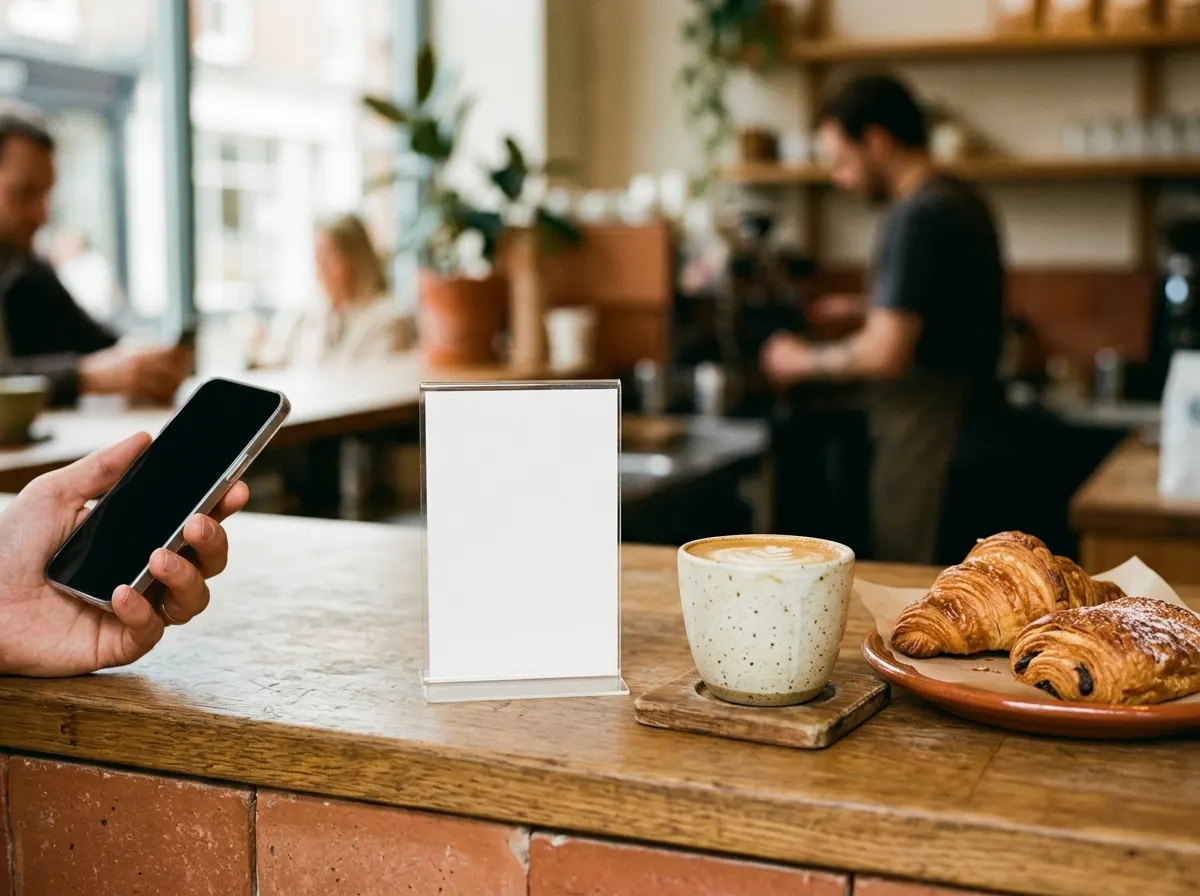
A tap or a scan opens your Google review form, right at the counter or the table.
- Opens the review form directly
- A separate link per location for per-location tracking
- Change the destination without replacing the stand
Smart product tags and packaging QR
A code on the pack or tag opens a product page you can keep updating.
- Manuals, videos, offers or reorder links
- Update the page without reprinting
- Scan data by product or batch
Event lead capture
Exhibitor staff share NFC profiles and capture visitor details on the spot.
- Profiles shared by tap or scan
- Visitor details captured in a form
- Leads sent to your CRM with notes for follow-up
How a pilot works
Start small, measure, then roll out
Every setup starts as a pilot with one team, one location or one product line, so you can see whether it works before committing further.
- 01.
Choose one use case
We agree on a single goal, such as cards for one sales team or review stands for one branch.
- 02.
Set up links, profiles and pages
We create the ZOC Link codes, profiles and landing pages the pilot needs.
- 03.
Prepare the physical pieces
We supply print-ready QR artwork and the NFC tag details, and work with your printer or a vendor you choose.
- 04.
Run the pilot and read the data
Taps and scans show whether people use it, and where.
- 05.
Roll out or adjust
Extend to more teams or locations, and add custom pieces such as CRM sync or a dashboard where they earn their place.
Who it's for
Businesses with a physical moment worth capturing
These solutions suit any business where a customer, partner or visitor is standing in front of you, or holding your product.
Sales teams and field staff
Team-managed business cards with lead capture for sales, real estate and B2B field teams.
Clinics, restaurants and showrooms
Review stands at the counter or table, tracked per location.
Manufacturers and D2C brands
Packaging and product tags that open manuals, videos, offers or warranty pages.
Trade fair exhibitors
Lead capture at the stall that feeds straight into follow-up.
The platform behind it
Every tap and scan runs through ZOC Link
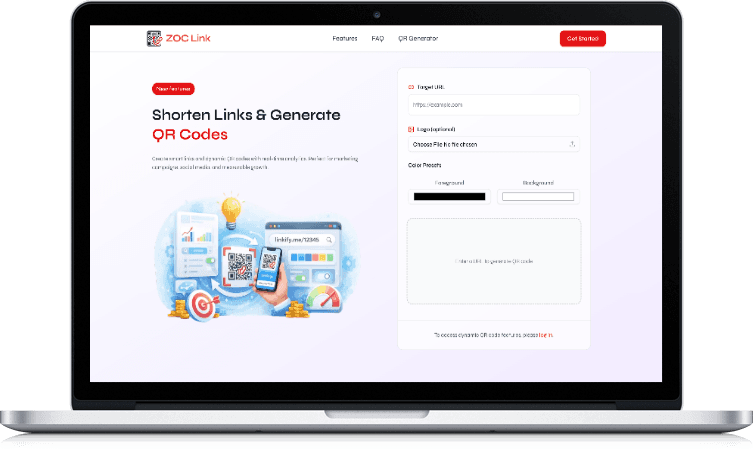
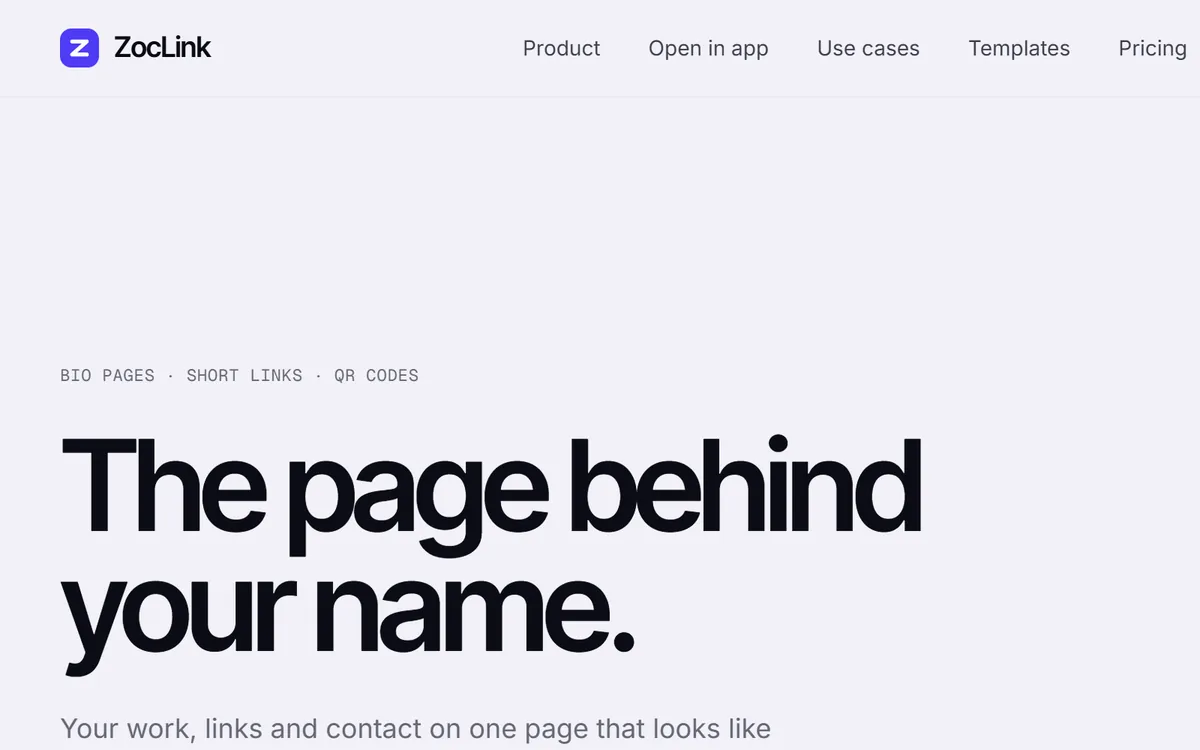
On the left, a dynamic QR code updated after printing, drawn with sample data. On the right, the ZOC Link website.
Built by Zero One Creation
Our own platform, extended with custom software
ZOC Link handles the editable links and scan analytics. Where a setup needs more, such as team admin, CRM sync or a lead dashboard, we build it as custom software, the same way we build CRMs and loyalty systems for clients.
We don't sell cards off the shelf or hold hardware stock. Each setup is scoped with you and starts as a small pilot, and we send a customised quotation after a call.
Want a custom version?
The same team that builds our products builds software for clients. These are the services closest to Smart NFC & QR solutions.
Start with one team, one location or one product line
Tell us where customers meet your business in person. We'll suggest a pilot and what it would take to run it.
Questions about Smart NFC & QR solutions
Frequently asked questions
What is an NFC business card?
Do people need an app to tap or scan?
Can details be changed after the cards or stands are printed?
Do you sell NFC cards and stands?
How do Google review stands work?
Can captured leads go into our CRM?
What does a pilot include?
How much does a setup cost?
Related products and services
All products- ProductZOC LinkThe dynamic QR platform behind these solutions.
- ServiceLocal SEOGoogle Business Profile, reviews and local search.
- IndustryChannel loyalty softwareQR scan-to-earn programmes for manufacturers.
- ServiceCustom CRM developmentA CRM built around how your team sells.
- Free toolFree QR code generatorCreate a QR code in your browser.
- IndustryDealer management systemOrders, schemes and dealer networks for manufacturers.