
Social media agency CRM
Social Sphere CRM, the social media agency CRM for client approvals
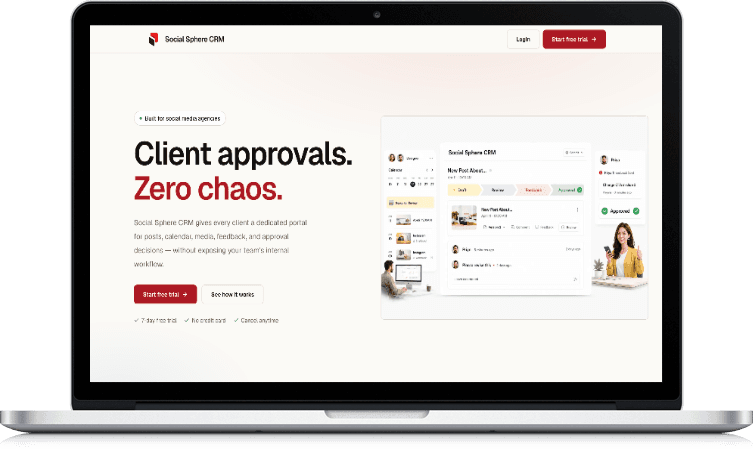
Social Sphere CRM gives agencies one place to plan each client's content, share drafts, collect feedback and record sign-off. Every post has a clear status, and every approval has a name and a time against it.
- Built and run by Zero One Creation
- Works in the browser and as an Android app
- Content for LinkedIn, Instagram and Facebook
- Category
- Social media agency CRM
- Built for
- Agencies and marketing teams
- Platforms
- Web app and Android
- Website
- socialspherecrm.com
The problem
Client approvals get lost between WhatsApp, email and calls
Most agencies don't struggle to make content. They struggle to get it signed off, and to prove later who agreed to what.
- 01
Feedback lives in five places
One client comments on WhatsApp, another replies to an email thread, a third calls. Someone on the team has to piece together which version is the latest.
- 02
Nobody is sure what was approved
When a post goes live with a mistake, there is no clean record of who signed off on which version, or when.
- 03
Clients' work gets mixed together
Shared drives and group chats make it easy to send the wrong draft to the wrong client. Each client's content, media and comments need to stay private.
- 04
The calendar drifts from reality
The plan in the spreadsheet and the posts actually waiting for sign-off fall out of step, so deadlines slip without anyone noticing.
Features
Everything between the first draft and the client's yes
Social Sphere CRM is focused on one workflow: planning content, getting it approved and keeping the record. These are the parts that make that work.
Client portals
Each client gets their own workspace to review drafts, leave comments and make a decision.
- A separate, private workspace per client
- Roles for owners, team members, clients and viewers
- Google sign-in for teams and clients
Content calendar
Plan the month for each client and see the approval status of every post at a glance.
- Approval status on every post
- Plan LinkedIn, Instagram and Facebook content
- See what is waiting on the client and what is waiting on you
Approvals with an audit trail
Clients approve, reject or request changes, and every decision is recorded.
- Comments on each draft
- Revisions kept as versions
- A permanent record of who approved what, and when
Media library
Client images and videos stay organised and attached to the posts that use them.
- Media kept per client workspace
- Secure uploads straight to cloud storage
- Storage use tracked per workspace
Notifications
The team hears about comments and approvals without checking every client by hand.
- In-app notifications
- Email notifications
- Background jobs for updates
Works on phones
Agency teams and clients approve posts from wherever they are.
- Installable web app with offline support
- Android app from the same code
- Designed for small screens first
How it works
From plan to approved post in five steps
The workflow follows how agencies already work. The difference is that every step leaves a record.
- 01.
Set up your agency workspace
Create the workspace and invite your team. Roles decide who can create, edit and publish.
- 02.
Add a client and invite them
Each client gets a private portal. They see only their own posts, media and comments.
- 03.
Plan the month and upload drafts
Lay out the content calendar, write captions and attach media to each post.
- 04.
The client reviews and decides
From a laptop or a phone, the client approves, rejects or requests changes, with comments on the draft.
- 05.
Revise and keep the record
Changes go back as a new version. The audit trail shows the full history if anyone asks later.
Who it's for
Built for teams that need sign-off before they post
If you produce social content for someone who has to approve it, Social Sphere CRM was made for that relationship.
Social media agencies
Agencies managing several clients, each with their own calendar, brand assets and approvers.
In-house marketing teams
Teams that need sign-off from founders, legal or regional heads before content goes out.
Freelancers and small studios
Independent creators who want to move client approvals out of personal WhatsApp chats.
Brands working with an agency
Client-side teams who want one place to review drafts instead of chasing attachments.
Inside the product
What your team and your clients see
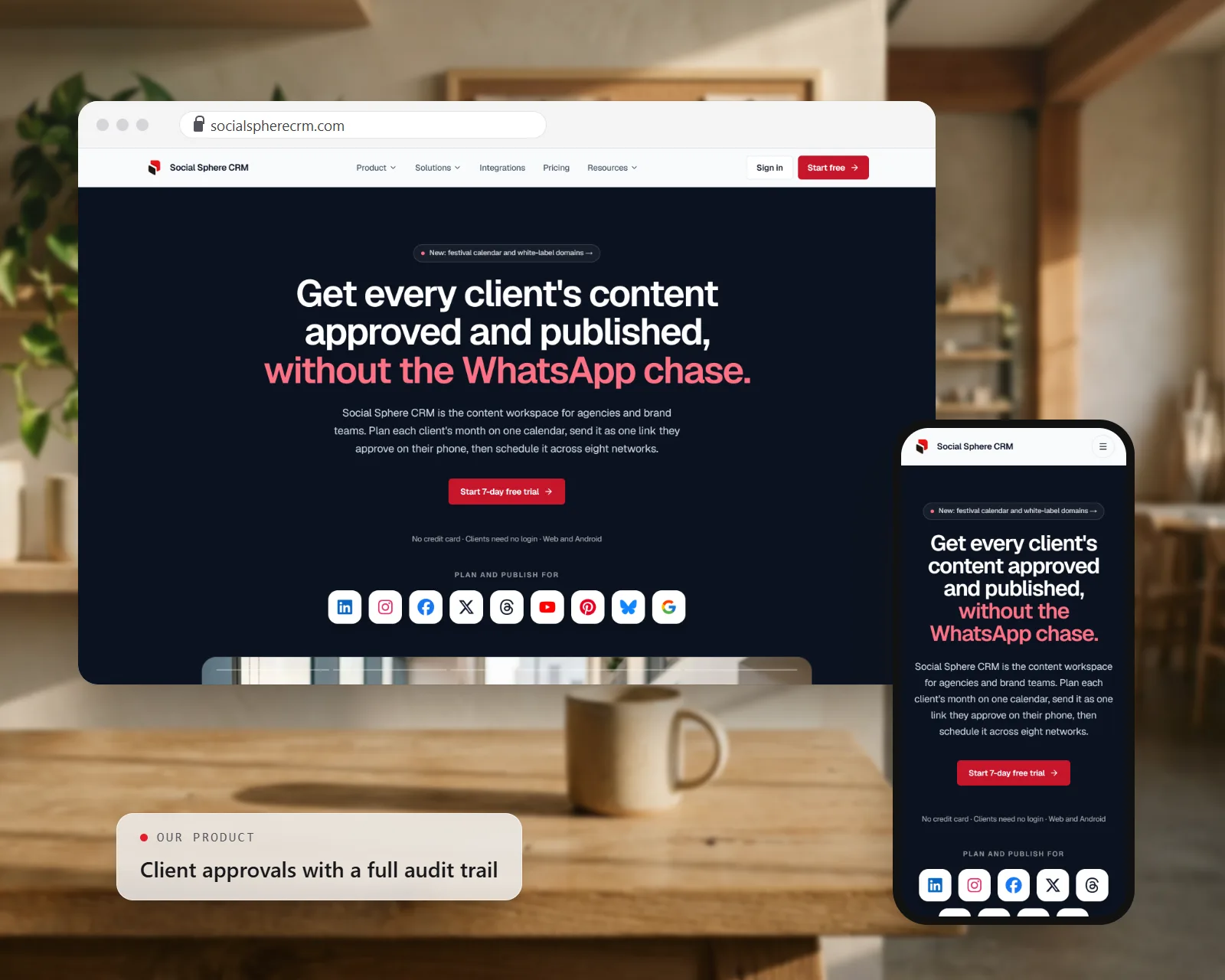
On the left, the approval view your clients use, drawn with sample data. On the right, the Social Sphere CRM website on desktop and mobile.

Built by Zero One Creation
Our own product, built and run by our team
We built Social Sphere CRM because we kept seeing the same problem: good agency work slowed down by approvals lost in chat threads. The product exists to make every post's status obvious.
Running it ourselves keeps our engineering honest. Multi-tenancy, billing, media storage and audit trails are the same problems our clients face when they build CRMs and SaaS platforms, and Social Sphere CRM is where we solve them first.
Built with
- Next.js
- React
- Tailwind CSS
- tRPC
- PostgreSQL
- Drizzle ORM
- Better Auth
- S3-compatible storage
- Razorpay
Want a custom version?
The same team that builds our products builds software for clients. These are the services closest to Social Sphere CRM.
Need an approval workflow shaped around your own process?
We can build a custom version of this workflow for your agency, brand or industry, or add approvals and audit trails to the tools you already use.
Questions about Social Sphere CRM
Frequently asked questions
What is Social Sphere CRM?
Who builds and runs Social Sphere CRM?
Which social networks can I plan content for?
Do my clients need training to approve posts?
Is each client's content kept separate?
Can my team use it on a phone?
How much does Social Sphere CRM cost?
Can you build a custom version for my business?
Related products, services and work
All products- Case studySocial Sphere CRM case studyHow we built the approval platform: tenancy, billing and media.
- ServiceSocial media marketingContent planning and management for brands.
- ServiceSaaS developmentMulti-tenant products with roles, billing and audit trails.
- ServiceCustom CRM developmentA CRM built around how your team sells and serves.
- ProductClassify-XOur white-label LMS for coaching institutes.
- ProductZOC LinkDynamic QR codes you can edit after printing.