
Team file storage
ZeroVault, team file storage with permissions you can see
ZeroVault gives a team one shared workspace for files and folders, with clear rules about who can open what. Files live in S3-backed cloud storage instead of on personal drives.
- Permission-based team workspaces
- S3-backed cloud storage
- Built on Next.js, Better Auth and MongoDB
- Category
- Team file storage
- Built for
- Teams that share files
- Stack
- Next.js, Better Auth, MongoDB, S3
- Website
- zerovault.zeroonecreation.com
The problem
Team files end up on personal drives
Most teams don't decide to scatter their files. It happens one upload at a time, until nobody is sure where the final version is or who can see it.
- 01
Files live in personal accounts
Work sits in each person's own drive, so the team depends on whoever happened to upload it.
- 02
No clear owner
When the same file exists in three places, nobody knows which copy is current or who is responsible for it.
- 03
Access is all or nothing
Either everyone can open a folder or only one person can. There is little in between that matches how teams work.
- 04
Nobody can see who has access
Links get forwarded and folders get shared, and after a while nobody can say who can open what.
Features
Shared storage that keeps permissions visible
ZeroVault is deliberately simple: a team drive, clear access rules and reliable storage underneath.
Team workspaces
One shared drive per team, with folders everyone can find.
- Shared team drive
- Folders for projects and clients
- Members invited by the team
Permissions
Access is set per workspace, so the right people see the right files.
- Permission-aware workspaces
- Know who can access a file before it leaves the drive
- Access that follows team membership
Shared links
Send a file to someone outside the team without moving it out of the drive.
- Share files by link
- Files stay in the team's storage
S3-backed storage
Files are stored in S3-backed cloud storage, not on a single server.
- Cloud object storage
- Folder-ready structure for large sets of files
Storage limits
See how much space the team is using.
- Storage use shown per workspace
- Limits that are clear up front
Secure sign-in
Authentication is handled by Better Auth.
- Account-based access
- Sessions managed by Better Auth
How it works
A shared drive in five steps
Set up the drive once. After that, files go to one place and access stays visible.
- 01.
Create a team drive
Start a workspace for your team, project or department.
- 02.
Invite your team
Add the people who should work in the drive.
- 03.
Upload files and folders
Move working files into shared folders so everyone uses the same copy.
- 04.
Set who can see what
Use workspace permissions so access matches how the team actually works.
- 05.
Share by link when needed
Send a file to someone outside the team without copying it to a personal drive.
Who it's for
For internal teams that share files every day
ZeroVault suits teams that need shared storage without losing track of who can see what.
Design and creative teams
Keep artwork, source files and exports in one shared drive.
Project-based teams
Architecture, construction and consulting teams with drawings, photos and documents per project.
Agencies
Keep each client's files in their own folder with access to match.
Small businesses
Move business files off personal accounts into storage the business controls.
Inside the product
A team drive where access is never a guess
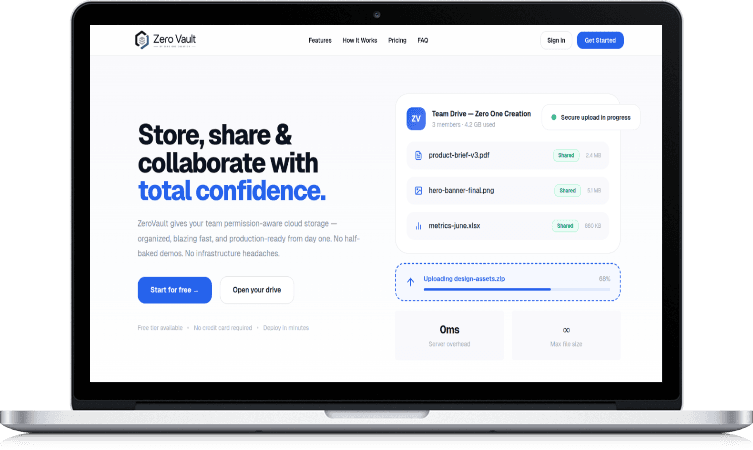
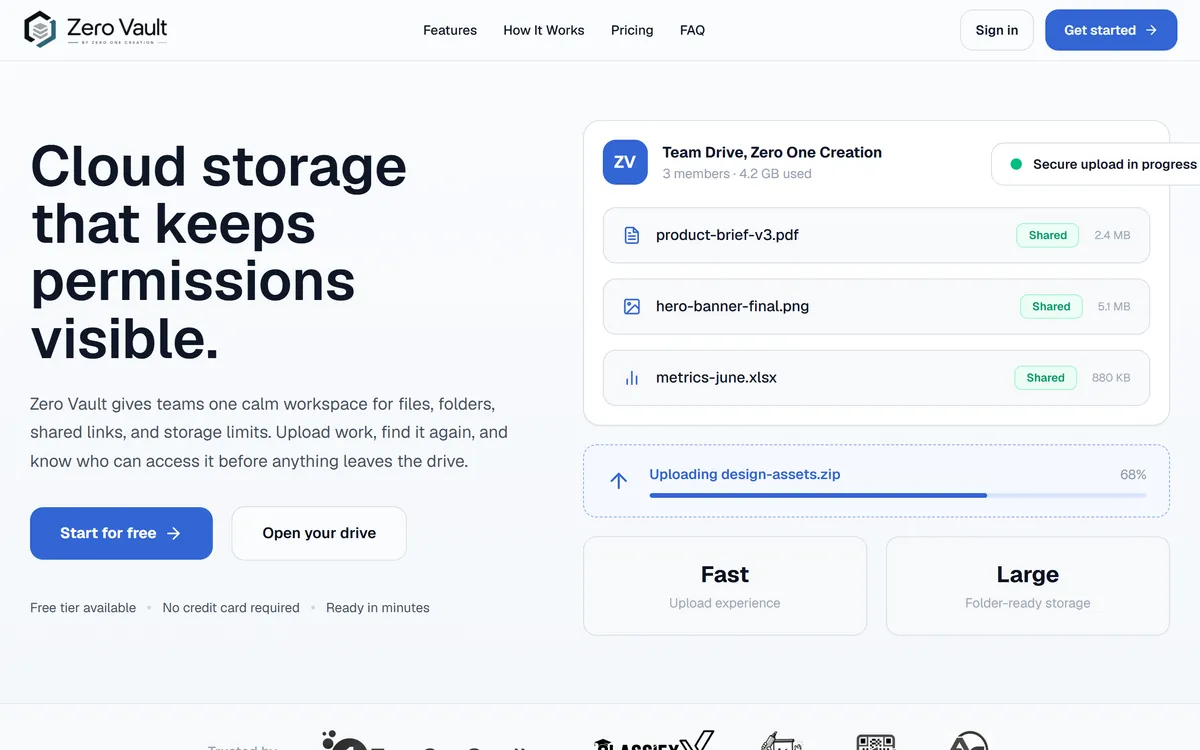
On the left, a team drive in ZeroVault, drawn with sample data. On the right, the ZeroVault website.

Built by Zero One Creation
Our own product, on a stack we know well
ZeroVault is one of the products Zero One Creation designs, builds and runs. It started from a simple problem: files scattered across personal drives with no clear ownership or access control.
It is built on Next.js, Better Auth, MongoDB and S3-backed storage. Team workspaces, role-based access and cloud file storage are also things we build into client SaaS platforms and internal tools.
Built with
- Next.js
- Better Auth
- MongoDB
- AWS S3
Want a custom version?
The same team that builds our products builds software for clients. These are the services closest to ZeroVault.
Need file storage built into your own product?
We build team workspaces, permissions and cloud file storage into SaaS products, portals and internal tools.
Questions about ZeroVault
Frequently asked questions
What is ZeroVault?
Who builds and runs ZeroVault?
Where are files stored?
What is ZeroVault built with?
Can I control who sees which files?
Can I share a file with someone outside my team?
How much does ZeroVault cost?
Related products and services
All products- ServiceSaaS developmentMulti-tenant products with roles, billing and storage.
- ServiceCloud & DevOpsCloud setup, deployment and monitoring on AWS.
- ServiceCustom business systemsInternal tools, CRMs, ERPs and portals.
- TrustSecurity and data protectionHow we handle access, data and NDAs on projects.
- ProductSocial Sphere CRMOur CRM for social media agency approvals.
- ProductZOC LinkDynamic QR codes you can edit after printing.