SavedWorkflow Automation Examples for Growing Businesses
Zero One Creation
Article
AI Solutions & Business Automation
Workflow Automation Examples for Growing Businesses
Gourav Dhiman, Founder & Technology Leader · November 25, 2026 · 13 min read
Workflow Automation Examples for Growing Businesses
Practical workflow automation examples for growing businesses across sales, onboarding, finance, operations and HR, with triggers, exception paths, measures and guidance on where to start.
Workflow automation tools range from no-code connectors to enterprise platforms. This guide compares them by business size, pricing model and governance needs, and shows how to choose and roll out your first automations.
A reliable automation has a trigger, conditions, cross-system actions, an error path that alerts a person and a named owner.
The best candidates are frequent, rule-based, multi-system and costly when wrong. Rare or judgement-heavy tasks are poor ones.
Sales, onboarding, finance, operations and HR all offer well-defined examples. Begin with low-risk ones before touching money or sensitive data.
Standard tools suit simple, linear workflows. Chained, complex or competitively central processes may need custom work, often in a hybrid.
Baseline your numbers first, and count savings only when spending or capacity actually changes.
Most growing businesses do not lack automation tools. They lack a clear picture of which processes are worth automating and what a working example looks like. A lead sits unanswered for two days, an invoice is typed into a second system, a new hire waits for a laptop because three emails were never sent. None of these is a large failure. Together they slow a company that is trying to add customers faster than it adds headcount.
Workflow automation addresses this by running a repeatable process without manual handoffs. A trigger starts it, rules decide the path, and actions happen across your systems. The idea is simple, but the gap between a tidy demonstration and a workflow that survives real data, exceptions and staff changes is where most projects stall.
This guide is for founders, business owners, operations heads, CTOs and managing directors of small and mid-sized businesses. It walks through practical examples across sales, customer onboarding, finance, operations, e-commerce and HR. For each, it sets out the trigger, the steps, the exception path and the measure that tells you whether it worked.
It does not promise a standard saving, because results depend on your volumes, data and starting process. Treat the numbers used here as illustrations to replace with your own.
What makes a good workflow automation example, and how to spot one in your own business
The five parts of a reliable workflow
A workflow has a trigger, such as a new form entry. It applies conditions, such as order value or region. It takes actions across systems, such as creating a record and sending a message. It has an error path that alerts a person when a step fails. It has a named owner. If you are still choosing software, the tools compared by business size guide covers that decision.
Automation runs a process. Integration keeps systems exchanging data. Most useful workflows need both.
A good candidate passes four tests:
It is repeated often.
It follows rules a new hire could learn in a day.
It touches more than one system.
It costs money or customer goodwill when late or wrong.
Poor candidates are rare tasks, processes still being designed, and decisions that need real judgement. Automating a messy process only speeds up the mess, so fix the process first.
Where AI steps fit in
An AI step handles unstructured input, such as classifying an email or extracting fields from a document. Treat it as one step inside the workflow, and keep a person checking its output until it proves accurate.
Every example that follows uses the same pattern: the trigger, the steps, the exception path, and what to measure.
Sales and lead management examples
Sales is where delays cost most visibly: enquiries wait, leads fall between systems, and quotes go out with the wrong price. Each example below follows the same pattern. For deeper CRM detail, see integrating a CRM with marketing and sales tools.
Lead capture and assignment
Trigger: a website form or WhatsApp enquiry arrives. Steps: create a CRM lead, record the source, check for duplicates, then assign by region, product and workload. Exception: a possible duplicate goes to a person for review. Measure: time to first response. Illustrative, not real data: 200 enquiries a month, each taking 5 minutes to log and assign by hand, is 1,000 minutes, about 17 hours a month. Form connections are covered in third-party integrations for business websites.
Follow-up reminders and escalation
Trigger: no contact within a set window. Steps: create a task for the owner, then escalate to a manager if it stays untouched. Exception: pause the rule when the lead is marked on hold. Measure: share of leads contacted within the window.
Quotations from templates and product data
Trigger: a rep requests a quote. Steps: fill a template from live product and price data, route for approval if the discount exceeds a threshold, send, and log a record. Exception: missing price data stops the quote and alerts the owner. Measure: quote turnaround and pricing errors.
A fourth example works on stage changes. Trigger: a deal is marked won. Steps: open an onboarding task and an invoice request. Exception: missing billing details return to the rep. Measure: days from win to first invoice.
Watch for duplicate records, unclear lead ownership and rules nobody revisits. Review assignment and discount thresholds each quarter.
Customer onboarding and support examples
Onboarding that starts when the deal closes
Trigger: a deal is marked won in the CRM. Steps: the workflow creates a project from a template, sends a welcome message, requests the documents you need and schedules the kick-off call. Exception path: if documents are not returned within a set number of days, a reminder goes out, and the account owner gets a task if it is still missing. Measure: time from signature to completed onboarding.
Automatic status updates follow the same pattern. A trigger such as request received or order dispatched sends a short message with the next step. If a status stalls past its expected date, the owner is alerted. Measure the number of "where is my order?" enquiries.
Ticket routing and service reminders
Trigger: a ticket arrives by email or form. Steps: the workflow classifies it by topic and priority, using rules or an AI step, then routes it to the right queue. A reminder fires before the service-time deadline passes, not after. Exception path: tickets that cannot be classified go to a triage queue for a person. Measure: first response time and the share of tickets resolved within target.
After closure, a feedback request goes out. Exception path: a low score creates a follow-up task for a manager. Measure: response rate and the time taken to act on low scores.
Two principles set the limits. Keep a person in the loop for complaints and sensitive cases, whatever the classifier suggests. And do not send messages customers did not expect, because every automated message should answer something they did.
Finance and back-office examples
Invoicing and payment reminders
Invoice creation. An approved order or completed milestone creates an invoice in the accounting system, with no re-keying. Illustrative, not real data: 120 invoices re-keyed by hand each month at four minutes each is eight hours of typing and 120 chances for a wrong figure.
Payment reminders. A scheduled sequence runs before and after the due date and stops as soon as payment is recorded. Large or disputed accounts go to a person for review instead of receiving an automatic message.
Supplier invoices. Incoming invoices are read and matched to purchase orders, and only exceptions reach a person. AI-powered document processing covers the reading step.
Approvals with an audit trail
Expense and purchase approvals route by amount and department, so a small software subscription and a major equipment order follow different paths. Every decision is recorded.
Finance workflows need firmer controls than any other kind:
Approval limits set for each role.
Separation of duties, so the person who requests a payment cannot approve it.
Logs showing who approved what, and when.
A named owner and a test environment, because an error here moves money.
Trigger: an item falls below its reorder level. Steps: the system creates a purchase request with the usual supplier and a suggested quantity, then sends it to the approver. Exception path: if nobody approves within two days, it reminds the approver and then alerts the operations owner. Measure: stock-outs per month and the time from alert to order.
These automations are only as accurate as your stock data. Reconcile counts before switching them on.
Keeping store, stock and accounts in sync
Trigger: a Shopify or similar order is paid. Steps: a record is created in the accounting or inventory system, stock is reduced and fulfilment is notified. Delivery and status updates then pass back to the customer. Exception path: a failed sync or unmatched product code goes to a named person, not an empty log. Measure: orders needing manual correction and the time from payment to dispatch.
Zero One Creation's E-commerce Solutions, including Shopify and headless commerce, and its API integration work cover this kind of connection.
Reports that assemble themselves
Trigger: a weekly schedule. Steps: the workflow pulls sales, stock levels and outstanding invoices from system data and sends one report to the owners. Exception path: if a source is unavailable, the report says so rather than showing partial numbers. Measure: hours spent on reporting and disputes over figures.
HR and internal workflow examples
Internal workflows follow the same pattern as the earlier examples, but they handle employee data, so access matters as much as speed.
Onboarding and offboarding
Onboarding. The trigger is an accepted offer. The workflow raises account creation requests, an equipment request, a document checklist and a first-week schedule. If a document is missing by the start date, HR gets an alert. Measure days from acceptance to a fully equipped first day.
Offboarding. The trigger is a confirmed leaving date. Tasks remove access to email, shared drives and business apps, recover equipment and close approvals. Access removal is a security matter, which makes this a strong case for automation. If a task is not confirmed within a day, escalate to IT. Measure the time from departure to the last access removed.
Leave, expense and internal requests
Leave and expenses. The trigger is a submitted request. The workflow checks the leave balance or expense policy limit, then routes the request to the manager. Requests that fail the check, or a manager who is absent, go to a named backup. Measure approval time and the number of manual corrections.
IT and facilities requests. One form replaces scattered emails. It sorts each request by type, assigns it to the right team and confirms receipt. Unassigned requests alert a coordinator. Measure time to resolution.
Restrict who can see the automation's data. Ask your legal and security teams to check privacy requirements for your region, and do not assume a tool covers them.
When a ready-made tool is enough, and when the workflow needs custom work or AI
Simple, linear workflows suit standard tools. A form entry that creates a record and sends a notification does not need custom code. For the choice by company size, see workflow automation tools compared by business size.
Signs a tool is no longer enough
Chained automations that nobody can fully explain.
Rules too complex for a visual builder, such as layered approvals or pricing logic.
A need for a custom interface.
A process central to how the business competes.
The usual answer is a hybrid. Keep commodity notifications and routing in a tool. Build the core process as custom software or API integrations, and connect the two.
Adding AI steps with a human check
AI helps where input is unstructured: reading emails and documents, classifying requests, and drafting replies. Keep a person reviewing those outputs until accuracy is proven. For build-or-buy questions, read custom AI model vs API.
Zero One Creation provides business automation, API integrations, CRM solutions, custom workflow management systems and AI solutions. Its technology consulting can advise which route fits, including when a standard tool is still the right answer.
How to start, sequence the work and measure results
Good first candidates are lead capture and assignment, invoice reminders and onboarding checklists. They are frequent, rule-based and low in risk.
A sequence that limits risk
List repeated processes and rank them by time spent and cost of errors.
Fix and simplify the process.
Clean the data it uses.
Pilot one workflow.
Add failure alerts and name an owner.
Document it in plain language.
Train staff.
Review after a quarter.
Measuring the result honestly
Baseline before you build: hours per week, error count, response time and days to payment. This article does not promise a standard saving, because results depend on your process and volume.
Illustrative, not real data: invoice reminders take 5 hours a week by hand. After automation they take 1 hour of exception handling. 5 - 1 = 4 hours saved a week. Time saved becomes a cost saving only if spending or capacity use changes, for example less overtime or more volume handled by the same team.
If you want help choosing a first project, Zero One Creation offers consultations at zeroonecreation.com.
Frequently Asked Questions
The most common starting points are lead capture and assignment, quotation approval, invoice creation, payment reminders, customer onboarding steps and employee onboarding. They share the same traits: they happen often, follow clear rules and touch more than one system. Choose the one where delay or error costs you the most today.
Start with frequent, rule-based and low-risk processes, ranked by time spent and cost of errors. A lead routing or invoice notification workflow is a safer first project than one that moves money or changes customer contracts. Early success on a contained process builds the habits you need for larger ones.
It is ready when people agree on the steps, the rules rarely change and the data feeding it is reasonably clean. If two team members do the same task differently, fix and document the process first. Automating an unsettled process only produces errors faster.
Simple, linear workflows between common apps are often well served by no-code tools or the automations built into software you already use. You need developers when workflows are chained and fragile, business rules are complex, or the process is central to how you compete. Many businesses use a hybrid, with tools for routine steps and custom work for the core.
Workflow automation follows defined rules: if this happens, do that. AI handles tasks that rules cannot describe well, such as reading an email, classifying a request or extracting fields from a document. In practice AI is usually one step inside a workflow, with a person reviewing its output until its accuracy is proven.
The usual problems are automating a messy process, having no named owner, having no failure alerts and building many undocumented automations that nobody else understands. Poor source data, such as duplicate contacts, also causes wrong actions at speed. Owners, alerts and a shared record of every workflow prevent most of these.
Record a baseline before you build: hours spent, error rate, turnaround time or cost per transaction. Run a pilot and compare against it over several weeks. Count time saved as a cost saving only when spending falls or the same team handles more volume.
Zoho setup and Zoho implementation are different jobs. This guide compares a partner with a DIY rollout on scope, time, cost and risk, and gives a practical way to decide.
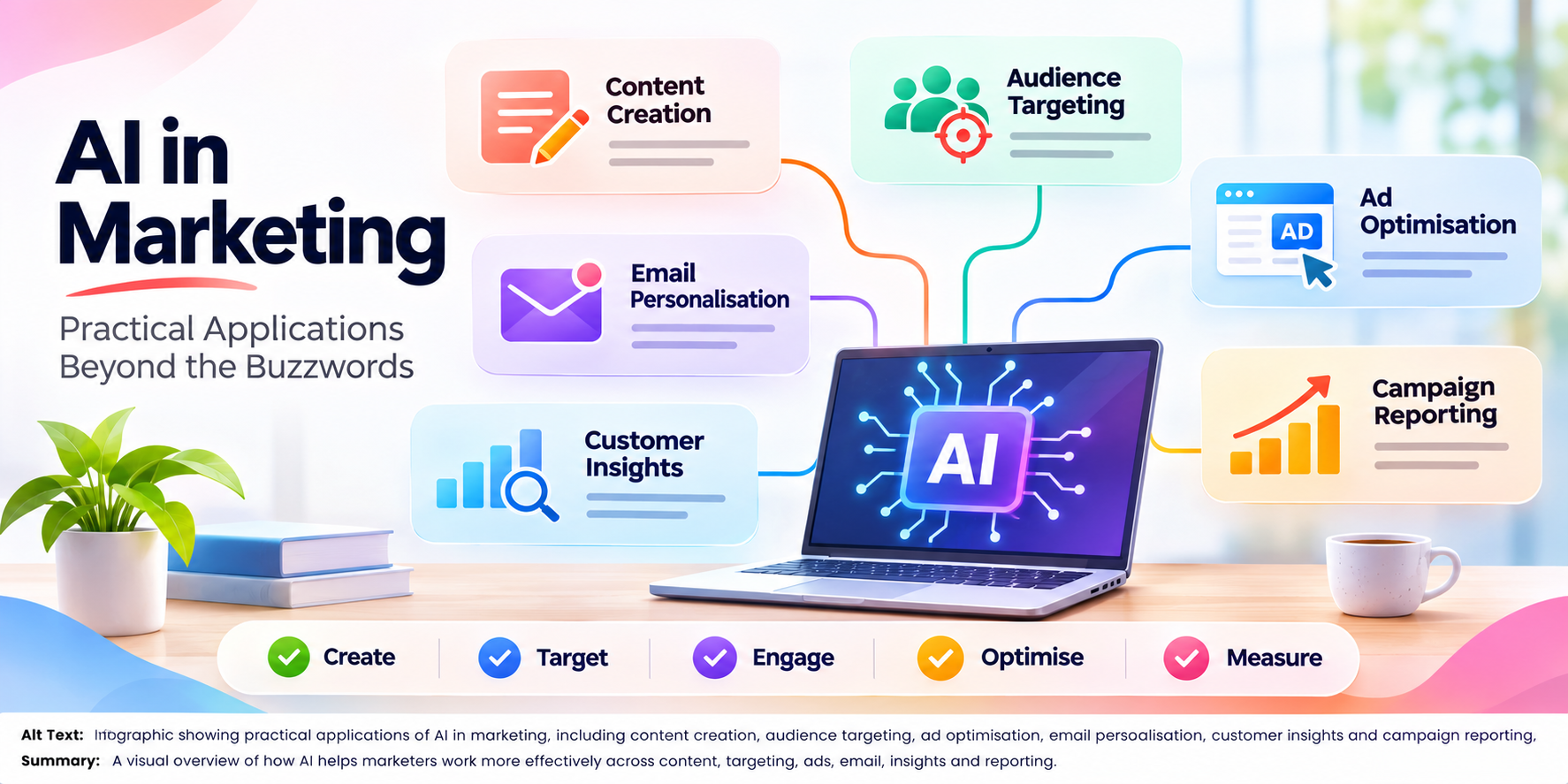
Explore practical applications of AI in marketing, including content creation, audience targeting, personalised emails, ad optimisation, customer insights, and campaign reporting to improve efficiency and marketing performance.


 Gourav Dhiman