

 Gourav Dhiman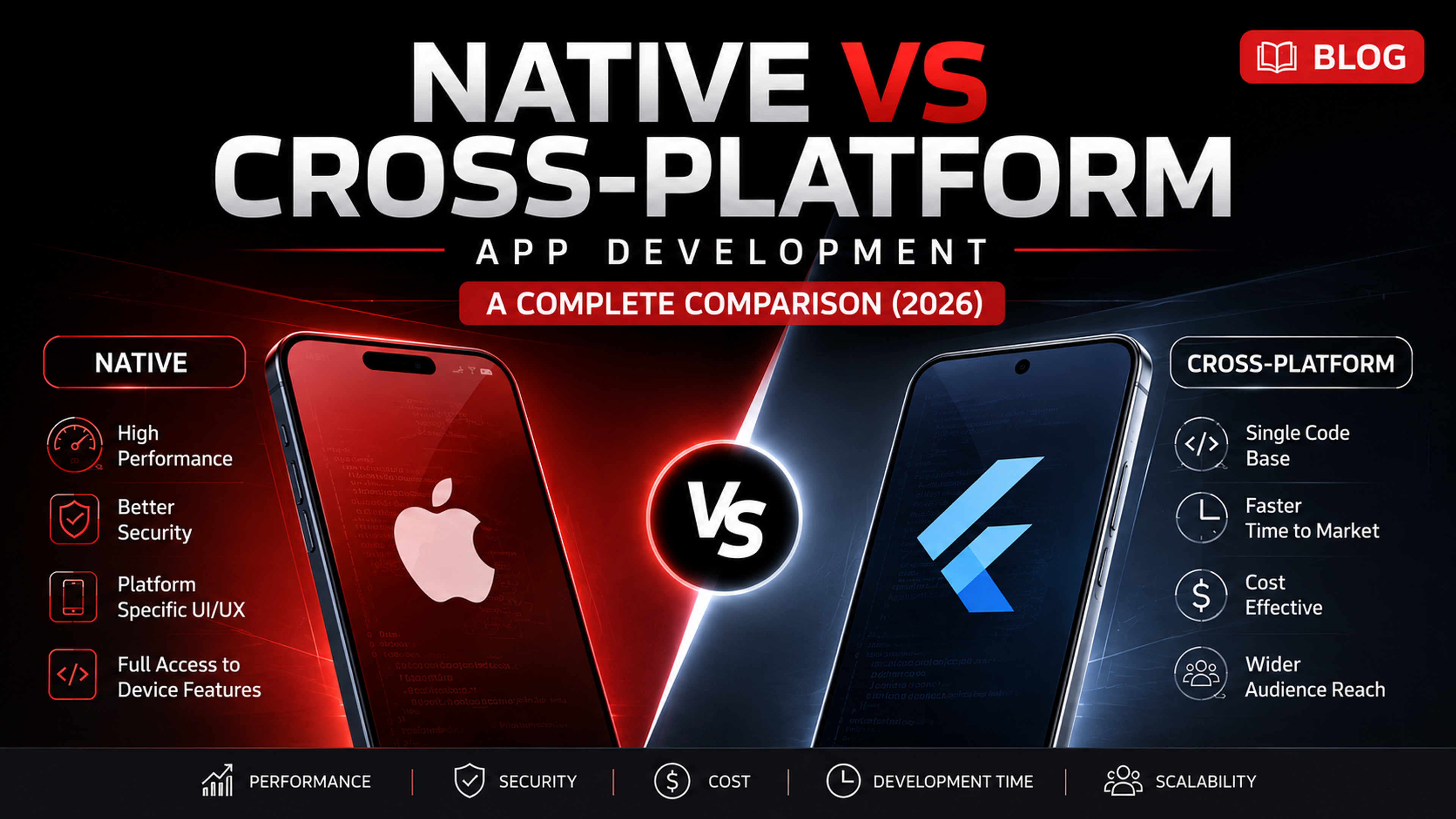
Key takeaways
- Choosing native when you don't need it roughly doubles your budget and timeline for no real benefit.
- Choosing cross-platform for a hardware-heavy app risks an expensive native rebuild down the line.
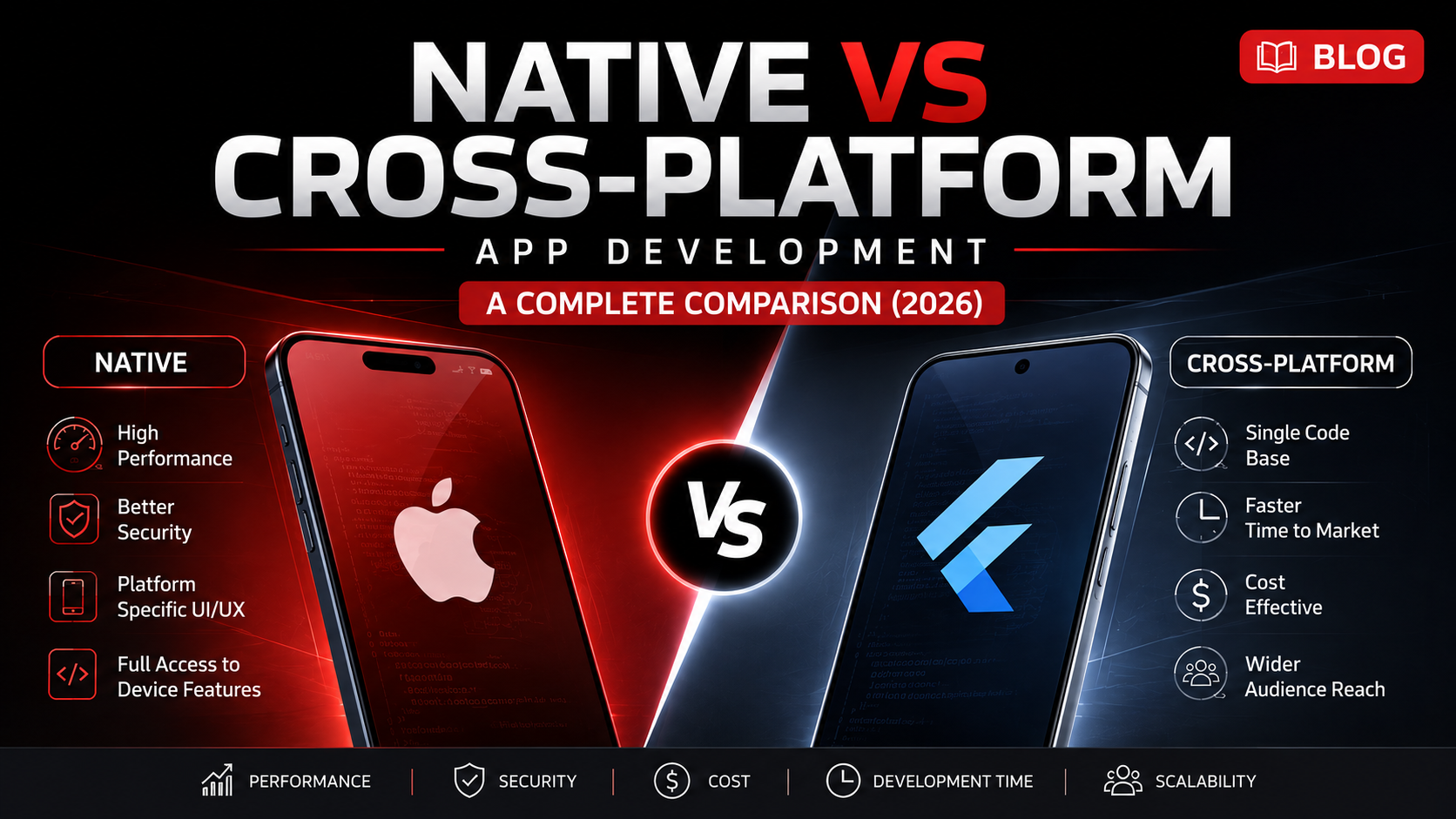
- Cross-platform (Flutter, React Native) is commonly 30-40% cheaper and up to 50% faster to launch.
- Kotlin Multiplatform (KMP) is a middle path: shared business logic, fully native UI on each platform.
- The right call depends on your feature list, timeline pressure, budget, talent access, and industry trust requirements.
If you're building a mobile app, this is usually the first real decision you have to make, and it's easy to get wrong. Pick native when you didn't need it, and you've doubled your budget and timeline for no real benefit. Pick cross-platform when your app genuinely needed deep hardware access, and you'll be rewriting core parts of it a year later.
The good news is that this decision is more predictable than it feels. It comes down to a small number of factors: what your app actually needs to do, how fast you need to launch, what budget you're working with, and where your business is headed over the next few years.
This guide breaks the decision down properly, with a practical framework at the end so you're not choosing based on whatever your developer happens to prefer.
The Real Problem Behind This Decision
Founders usually come to this question already carrying strong opinions from somewhere, a developer friend, a blog post, or a competitor's app. But the right answer depends entirely on your specific product, not on general internet advice.
The businesses that regret this decision later almost always fall into one of two patterns:
- They chose native for a simple business app that didn't need it, and spent nearly double the budget and timeline building two separate codebases for no measurable benefit.
- They chose cross-platform for a performance-critical or hardware-heavy app, hit a wall six months in, and ended up rebuilding core parts natively anyway, this time under time pressure.
Both mistakes are avoidable with a clear framework, which is what the rest of this guide gives you.
What's the Actual Difference?
Native app development means building two separate applications, one for iOS using Swift and one for Android using Kotlin, each using that platform's own tools, design patterns, and APIs.
Cross-platform app development means writing one shared codebase, typically using Flutter or React Native, and deploying it to both iOS and Android with far less duplicated engineering effort.
There's also a third path worth knowing about, which most comparison guides skip: Kotlin Multiplatform (KMP). This approach shares the business logic and data layer across platforms while keeping the UI fully native on each side. It's a middle ground that's gaining real traction for teams who want native-quality UI without duplicating core logic. We'll come back to this later in the framework.
Native App Development: The Honest Pros and Cons
Advantages
Maximum performance. Native apps run directly on the platform's own APIs with no abstraction layer in between, which matters most for graphics-heavy, real-time, or computation-heavy features.
Full hardware and OS access. Camera pipelines, advanced biometrics, background processing, and the newest OS features are available immediately, without waiting for a cross-platform framework to catch up.
Platform-consistent UX. Native apps automatically follow each platform's own design language, which feels immediately familiar to users on that device.
Stronger security posture for sensitive use cases. Direct access to OS-level security and sandboxing features gives native apps an edge in regulated industries like banking and healthcare.
Disadvantages
Higher cost. You're effectively building and maintaining two separate products, with two codebases, two testing cycles, and two release pipelines.
Longer timeline. Parallel development for both platforms typically takes noticeably longer than a single shared codebase.
Harder to keep feature parity. Because the codebases are separate, it's easy for iOS and Android versions to drift out of sync over time unless the team is disciplined about release coordination.
Smaller, pricier talent pool. Skilled native developers, particularly for iOS, are often harder to find and more expensive than cross-platform developers.
————————————gourav

Cross-Platform App Development: The Honest Pros and Cons
Advantages
Lower cost. One codebase means one development team, which is typically the single biggest cost saving compared to native.
Faster time to market. Shipping to both platforms from a shared codebase can meaningfully shorten your launch timeline, which matters most for MVPs and early-stage products.
Easier maintenance. Bug fixes and updates are made once and deployed everywhere, instead of being implemented and tested twice.
The performance gap has genuinely closed for most business apps. This deserves its own callout because it's one of the most outdated assumptions still floating around. Flutter's newer rendering engine compiles closer to native machine code, and React Native's newer architecture removed the old bridge bottleneck that used to cause visible lag in animation-heavy screens. For standard business, e-commerce, and content apps, the performance difference most users would notice is now minimal.
Disadvantages
Still not ideal for hardware-intensive apps. Camera-heavy processing, continuous background execution, and advanced AR/VR features can still require native modules or workarounds, even with modern frameworks.
Framework dependency. Your app's roadmap is partially tied to the framework's own release cycle and long-term support decisions, which is a real, if often overstated, risk.
Occasional platform lag. When Apple or Google release major new OS features, cross-platform frameworks sometimes take longer to fully support them compared to native development.
Real Cost Comparison
This is usually the deciding factor, so it's worth being specific rather than vague.
Industry patterns consistently show cross-platform development reducing both cost and timeline compared to native, commonly in the range of 30 to 40 percent lower cost and up to 50 percent faster launch, though the exact number depends heavily on your app's complexity and feature set. Simple business apps see the biggest relative savings. Feature-heavy, hardware-intensive apps see a much smaller gap, and sometimes cross-platform ends up costing more once you factor in the native workarounds needed for missing features.
A useful way to think about it: native development is paying for precision and headroom. Cross-platform development is paying for speed and efficiency. Neither is objectively cheaper in every scenario, it depends on how much of that precision your specific app actually needs.
Ongoing maintenance cost also matters. Native apps require two teams (or one team context-switching) to maintain feature parity indefinitely. Cross-platform apps typically have a lower long-term maintenance burden, since most updates only need to be written once.

A Step-by-Step Decision Framework
Step 1: List Your App's Core Features
Write down every feature your app needs at launch, not eventually. Be specific about anything involving camera, sensors, background processing, or complex animation.
Step 2: Flag Hardware-Intensive Features
Go through that list and mark anything that needs deep, continuous hardware access: AR/VR, real-time audio or video processing, advanced biometrics, or on-device machine learning. Each flagged feature is a point in favor of native, or at minimum, a feature that will need careful evaluation in a cross-platform framework.
Step 3: Score Your Timeline Pressure
If you need to validate a business idea or reach the market within a few months, that urgency weighs heavily toward cross-platform. If you're building a long-term, performance-critical flagship product with a longer runway, that weighs toward native.
Step 4: Score Your Budget Reality
Be honest about what you can actually fund, not just for launch, but for the next 12 to 18 months of maintenance. Native's cost commitment is ongoing, not one-time.
Step 5: Check Your Team and Talent Access
If you already have strong native iOS and Android developers in-house or on retainer, that changes the calculation. If you're hiring from scratch, cross-platform talent is generally more available and often more affordable.
Step 6: Weigh Your Industry's Trust Requirements
Regulated industries like fintech, healthcare, and government services often lean native for the deeper security and compliance alignment, though this is increasingly a "it depends on the specific feature," not a blanket rule.
Step 7: Consider Kotlin Multiplatform If You're Stuck in the Middle
If your app needs native-quality UI and platform-specific polish, but also has substantial shared business logic (data handling, calculations, sync logic), KMP is worth seriously evaluating as a middle path before defaulting to either extreme.
Step 8: Make the Call Based on a 2 to 3 Year View
The right choice rarely depends only on your launch budget. It depends on where your product needs to be in two to three years, and which approach gets you there with fewer expensive detours.

Industry-Specific Recommendations
- Fintech and banking apps: Lean native, or a KMP hybrid, given the security, compliance, and biometric requirements typical in this space.
- Healthcare apps: Depends heavily on the specific feature set. Administrative and patient-portal apps often work well cross-platform. Apps involving continuous monitoring, medical device integration, or diagnostic imaging usually need native.
- E-commerce and retail apps: Cross-platform is usually the stronger fit, since these apps prioritize fast iteration, consistent UI across platforms, and lower long-term maintenance cost over raw hardware performance.
- Manufacturing and logistics apps: Often cross-platform for the core app, with native modules added only for specific hardware integrations like barcode scanners or industrial sensors.
- Media, gaming, and AR/VR apps: Native remains the stronger choice wherever real-time rendering, continuous camera access, or complex animation is central to the product.
- Early-stage startups validating an MVP: Cross-platform almost always wins here. Speed to market and lower burn rate matter more than marginal performance gains at this stage.
Common Mistakes Businesses Make
- Choosing native because it "sounds more premium." Native isn't inherently better, it's better for specific technical requirements. Paying for capability you don't need is just wasted budget.
- Choosing cross-platform without checking hardware requirements first. Teams sometimes commit to a framework before realizing a key feature needs native-level access, leading to expensive rework mid-project.
- Ignoring long-term maintenance cost when comparing budgets. Comparing only initial build cost, without factoring in years of maintaining one codebase versus two, leads to decisions that look fine on paper and expensive in year two.
- Letting a developer's personal framework preference drive the decision. Developers often have a strong preference for one approach based on their own experience, which isn't the same as what's actually right for your product.
- Underestimating how much the performance gap has closed. Many businesses still choose native by default, based on outdated assumptions about cross-platform performance that no longer reflect current frameworks.
Expert Tips Before You Decide
- Build a short technical spike before committing. A one to two week proof-of-concept in your leading framework choice can reveal hardware or performance issues before you're locked into a full build.
- Ask your development partner to justify their recommendation against your specific feature list, not in general terms. A good partner should be able to point to exactly which features drove their recommendation.
- Don't treat this as a permanent decision. Some businesses start cross-platform for speed, then selectively move specific high-performance features to native modules later, without rebuilding the entire app.
- Budget for 18 months of maintenance, not just the launch, when comparing the true cost of each approach.
- If you're stuck between native-quality UI and shared logic, seriously evaluate Kotlin Multiplatform before assuming it's an either-or decision.
Frequently Asked Questions
Yes, for most standard business, e-commerce, and service apps. Modern frameworks like Flutter and React Native have closed most of the performance gap that used to make cross-platform a compromise. The main exceptions are apps with heavy hardware, AR/VR, or real-time processing requirements.
Generally yes for the initial build, often significantly so, since native effectively means building two products instead of one. The gap narrows for feature-heavy apps where cross-platform frameworks need extra native workarounds to match required functionality.
Yes. Many businesses launch cross-platform to validate their product quickly, then selectively rebuild specific high-performance features natively later, without needing to rebuild the entire application.
Kotlin Multiplatform shares business logic and data handling across platforms while keeping the user interface fully native on both iOS and Android. This differs from Flutter and React Native, which typically share both logic and UI through a single framework layer.
Cross-platform is usually the stronger choice for MVPs, since speed to market and lower initial cost typically matter more at this stage than marginal performance gains most early users won't notice.
For hardware-intensive, real-time, or graphics-heavy use cases, yes, native still holds a measurable edge. For standard business app functionality, the difference has narrowed enough that most users would not notice it.
Summary
Native versus cross-platform isn't a question of which technology is objectively better, it's a question of which approach matches your app's actual requirements, budget, timeline, and growth plan.
Native wins when your app genuinely needs deep hardware access, maximum performance, or the highest level of platform-specific polish, and you have the budget and timeline to support building two separate products. Cross-platform wins for the large majority of business apps, MVPs, and standard consumer apps, where speed, cost efficiency, and easier long-term maintenance matter more than marginal performance gains most users won't notice.
The framework in this guide, listing your core features, flagging hardware-intensive requirements, and honestly scoring your budget and timeline, gives you a structured way to make this decision with confidence instead of guesswork.
Ready to Choose the Right Approach for Your App?
If you're still weighing native against cross-platform, or wondering whether Kotlin Multiplatform might be the smarter middle path for your specific product, that's exactly the kind of decision worth mapping out with a development partner who isn't biased toward one framework.
Get a clear recommendation based on your actual features, budget, and timeline, before you commit either way.
Request a Free App Development Consultation