Gourav Dhiman
A registrar's office fielding the same fee-payment question forty times a week isn't understaffed. It's running a process that should never have required a human in the first place. That's the pattern behind most of the administrative overload schools and universities struggle with: not too little staff, but too much routine, repeatable work still flowing through people instead of through a system built to handle it.
Custom portals have become one of the more effective answers to that problem, and they're worth distinguishing clearly from the generic student information systems most institutions already run. This article looks at what a purpose-built portal actually does differently, where the administrative time savings genuinely come from, which processes are worth building for first, and where institutions get this wrong.
Why off-the-shelf systems don't fully solve the problem
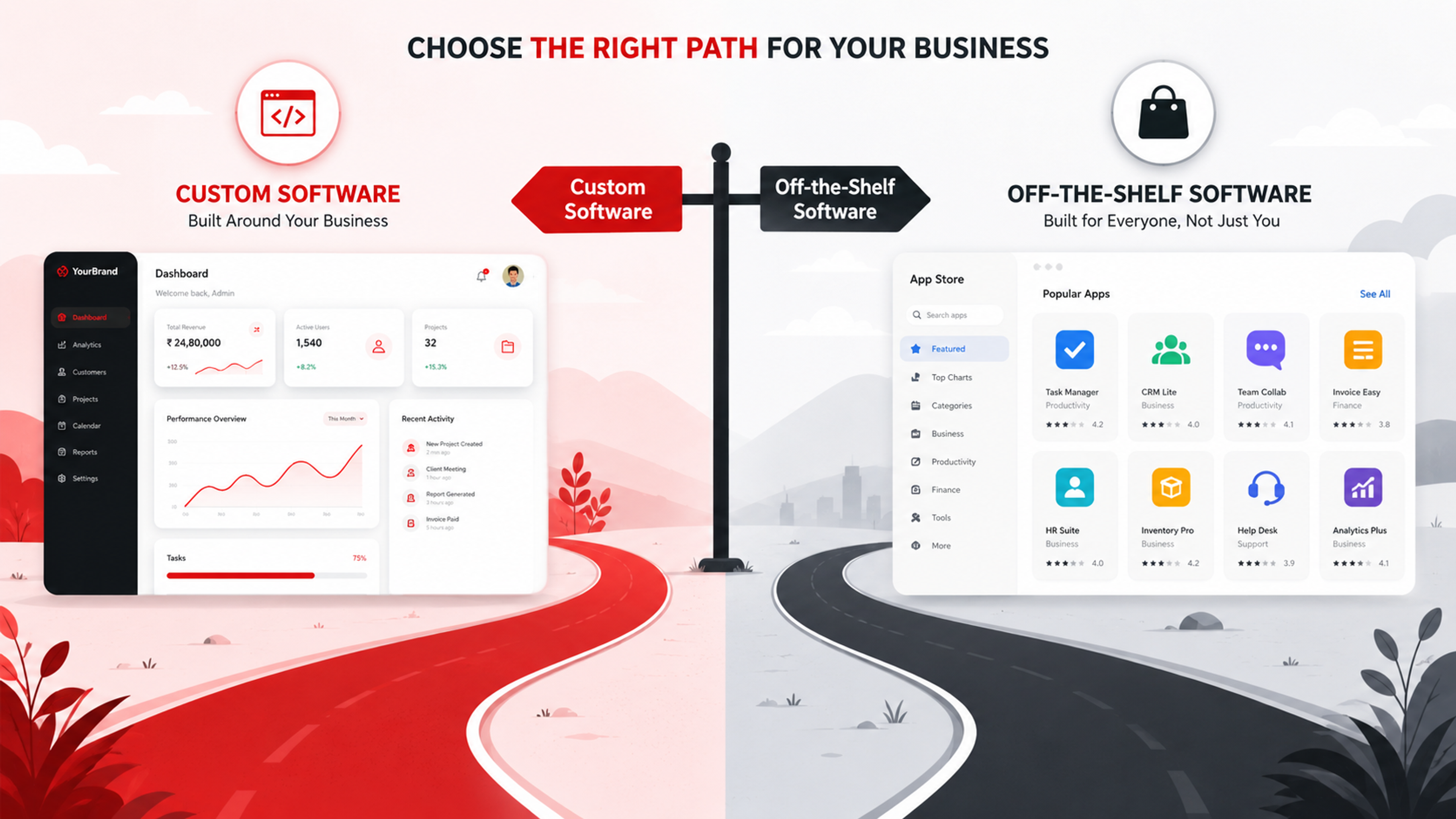
Most schools and universities already run a student information system, a learning management system, or increasingly both, alongside separate finance and HR platforms. These systems are comprehensive by design, covering grades, enrollment, scheduling, attendance and compliance reporting in one place. The tradeoff is that comprehensive systems are built to serve every institution's baseline needs, which means they're rarely built to fit any single institution's specific workflow.
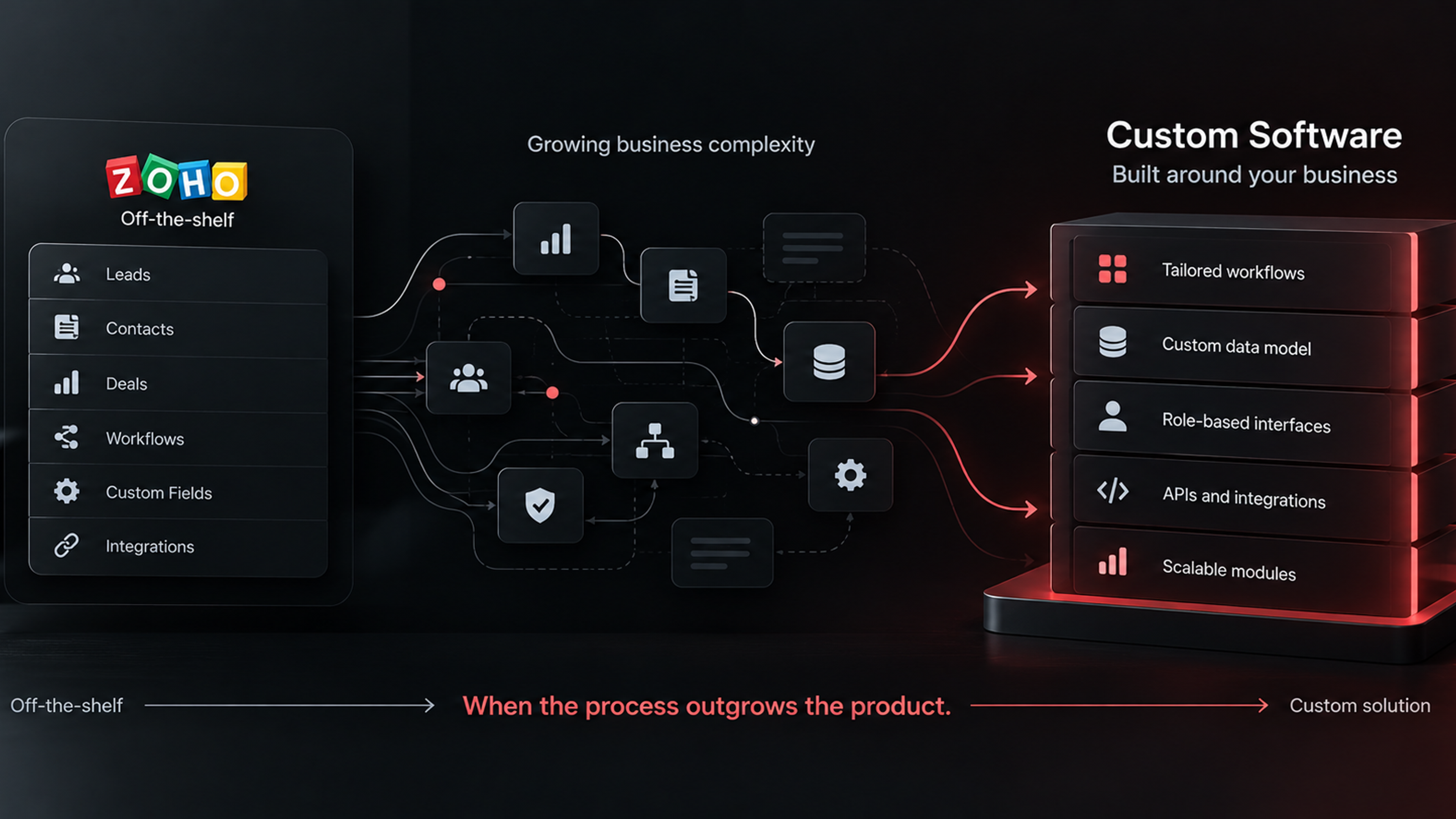
That's the gap a custom portal fills. Rather than replacing the SIS or LMS, a custom portal typically sits on top of or alongside them, built around the exact processes that generate the most repetitive manual work at that specific institution: a particular fee-payment workflow, a specific parent communication pattern, a multi-step approval chain unique to how that school handles transcript requests. Off-the-shelf software solves the 80 percent of functionality every institution needs. A custom portal is usually built to solve the remaining 20 percent that's specific enough to create real administrative drag when it's handled through generic tools or, worse, through email and spreadsheets.
The self-service principle underneath most of this is straightforward. When students, parents or staff can view a schedule, check a balance, submit a form or update their own information without needing a staff member to do it for them, that removes both the original task and the back-and-forth communication around it. The administrative savings come less from any single feature and more from how many small, repeated interactions get removed from a person's inbox altogether.
Where the administrative time actually goes
Before looking at what a portal can do, it's worth being specific about where the hours are actually lost, because that determines what's worth building.
Enrollment and registration paperwork is usually the biggest single source. Application intake, document collection, course registration and seat confirmation all involve repetitive data entry and status-checking that, done manually, means staff re-entering the same information across multiple systems and fielding constant "where's my application" inquiries. Fee and payment administration runs a close second, particularly the cycle of generating invoices, chasing overdue payments, and answering balance questions individually rather than letting a dashboard answer them automatically. Routine communication and status updates, things like attendance notifications, grade releases, or reminders about upcoming deadlines, consume time not because any single message is hard to send, but because sending them individually, over and over, to hundreds of recipients doesn't scale.
Document requests, transcripts, enrollment verification letters, certificates, are a smaller but disproportionately annoying category, since each one is a manual, multi-step process even though the underlying data rarely changes. And internal approval chains, a leave request, a purchase requisition, a grade change form, tend to move through email threads and physical signatures long after the rest of the institution has digitized everything else, mostly because nobody built a structured workflow for them specifically.
A custom portal earns its cost by targeting whichever of these categories is genuinely the worst at a given institution, not by trying to digitize everything administrative in one project.
What a well-built portal actually does differently
The features that matter most in a custom-built portal aren't exotic. They're ordinary functions built to fit a specific institution's actual process rather than a generic template.
Role-specific dashboards are the starting point. A student sees their own schedule, grades and balance. A parent sees their child's attendance and fee status, and nothing about other students. A teacher sees their own classes and gradebook. An administrator sees institution-wide reporting. This sounds obvious, but it's precisely the layer generic systems often get wrong, either exposing too much to the wrong role or forcing every user through the same interface regardless of what they actually need.
Automated notifications tied to real events, rather than manually triggered ones, do a surprising amount of the workload reduction. A fee reminder that fires automatically three days before a due date, an attendance alert that goes to a parent the same day an absence is recorded, a document that's automatically emailed once a form is approved: none of these require staff attention once they're built, and each one replaces what used to be a person checking a list and sending messages by hand.
Structured, trackable workflows replace ad hoc email chains for anything with multiple steps or approvers. A leave request that moves automatically from employee to manager to HR, with status visible to everyone in the chain, removes both the chasing and the "did you see my email" follow-ups that eat into a manager's day. The same logic applies to admissions review, fee waiver approval, or any multi-step internal process that currently depends on someone remembering to forward an email.
Integration with the systems already in place is what separates a genuinely useful custom portal from a parallel system that creates more work than it saves. A portal that pulls grades from the existing LMS, syncs enrollment data with the SIS, and posts payments to the finance system in real time removes duplicate data entry. A portal that requires staff to enter the same information twice, once in the old system and once in the new portal, has added a second job on top of the first rather than replacing it.
Compliance is not optional, and it shapes what you can build
Any portal handling student data in the US has to be built around FERPA from the start, not retrofitted to comply afterward. FERPA governs who can access a student's educational records and under what circumstances, which directly shapes how a portal's role-based access needs to work: a parent's access to a student's records, for instance, generally ends once that student turns 18 or enrolls in postsecondary education, a detail that has to be built into the access logic itself rather than left as a policy assumption. Institutions outside the US face their own equivalent frameworks, GDPR in the EU and UK, and various national data protection laws elsewhere, each with their own specific requirements around consent, data minimization and retention.
This is where a custom-built portal has a genuine advantage over cobbling together generic tools, since access rules and data handling can be built to match the institution's specific compliance obligations exactly, rather than adapted awkwardly to whatever a general-purpose platform happens to support. It's also where getting the initial build wrong is most costly, since retrofitting proper access controls into a portal that's already handling live student data is a considerably bigger job than building them correctly the first time.
Build versus buy: when a custom portal actually makes sense
Not every institution needs a fully custom build, and it's worth being honest about when it doesn't. A small school with a handful of well-understood, standard processes may get most of the benefit from configuring the self-service features already built into their existing SIS or LMS, since many of those platforms have expanded their own portal functionality considerably in recent years. Building custom software from scratch to replicate functionality a platform already offers is wasted effort.
Custom development earns its cost when an institution's process is genuinely specific enough that no off-the-shelf configuration handles it well, when several existing systems need to be tied together into a single coherent experience rather than three separate logins, or when the institution's scale is large enough that even a small efficiency gain per interaction adds up to substantial time saved across thousands of students and staff. A multi-campus university coordinating enrollment, finance and academic records across departments that each run different legacy systems is a much stronger case for custom integration work than a single-site school with one unified platform already in place.
The honest middle ground, and where a lot of institutions land, is a portal that isn't built entirely from scratch but is custom-configured and integrated around an existing platform's APIs, extending what's already there rather than replacing it wholesale. This tends to be faster to deliver and cheaper to maintain than a fully bespoke system, while still solving the specific workflow problems a generic configuration can't reach.
Where these projects go wrong
The most common failure is building the portal around what IT or administration assumes staff need, rather than around what actually consumes their time day to day. A short round of interviews with registrar staff, finance officers and department administrators, asking specifically what task they repeat most often and dread most, usually surfaces a very different priority list than a leadership team would guess on its own.
Ignoring change management is the second recurring problem. A portal that's technically excellent but poorly explained to the staff and families who need to use it will sit underused, with people reverting to email and phone calls out of habit. Rolling out a new portal alongside clear communication, a short training session for staff, and a grace period where the old process still works as a backup, matters as much as the build itself.
Scope creep is the third. A project that starts as "automate fee reminders and document requests" easily expands into "digitize every administrative process at once," which extends timelines, increases cost, and often collapses under its own ambition before delivering anything usable. Starting with the two or three highest-friction processes, shipping those, and expanding from a working foundation produces far better outcomes than attempting a comprehensive rebuild in one pass.
Underestimating ongoing maintenance is the least visible mistake and the most expensive over time. A custom portal isn't a one-time build. Systems it integrates with will update their APIs, compliance requirements will shift, and staff will eventually ask for new workflows once they see what the portal can do. Budgeting for maintenance and incremental development after launch, not just the initial build, is what determines whether a portal stays useful for years or quietly falls out of date within one.
Getting started sensibly
The institutions that see real administrative time savings from a custom portal usually start the same way: identify the two or three processes generating the most repetitive staff time, confirm those processes are genuinely too specific for existing platform configuration to solve, and build a focused first version that integrates cleanly with the SIS, LMS or finance system already in place rather than duplicating them. Measure the actual time saved against a baseline before expanding further, and treat the portal as an ongoing piece of infrastructure that needs a maintenance plan, not a project that ends at launch.
Done this way, a custom portal doesn't try to replace the systems an institution already trusts. It removes the specific friction those systems were never built to solve, which is usually where the real administrative burden was sitting all along.
Frequently Asked Questions
That's usually the better approach rather than building a fully separate system. A portal that integrates with the existing SIS, LMS and finance platforms through their APIs avoids duplicate data entry and tends to be both cheaper to build and easier for staff to adopt than a standalone replacement.
Yes, fully, and the compliance requirements need to shape the portal's design from the start rather than get added afterward. Access rules, data retention and consent handling all need to be built into the system's architecture, particularly around who can see which student's records and when that access should change or expire.
It depends heavily on scope and how many existing systems need to be integrated. A narrow portal focused on one or two processes, built on top of existing platform APIs, is typically a much faster project than a comprehensive system tying together several legacy platforms across an entire institution.
Most SIS and LMS platforms include general-purpose self-service features designed to work across many different institutions. A custom portal is built around one institution's specific workflow, integrating multiple existing systems and automating the exact processes that generic configuration doesn't handle well.
Start with whichever single process generates the most repetitive staff time and has a clear, well-understood workflow, fee reminders and document requests are common starting points, rather than attempting to digitize every administrative process across the institution in one build.