Gourav Dhiman
Most SaaS products do not fail to scale because of a traffic spike.
They stall because of decisions made in the first few months that nobody revisited: a database layout that cannot separate one customer from another, a deployment process that takes an afternoon, a reporting feature that shares a server with the checkout flow. By the time the pain shows up, the product has customers, and every fix has to be made while the system is running.
This article covers the infrastructure decisions that are cheap to get right early and expensive to correct later. It is written for founders, product leads, and engineers building SaaS platforms, including CRM and ERP style products where customer data, permissions, integrations, and reporting carry more weight than raw traffic. It also covers what you can safely postpone, because over-building is as common a mistake as under-building.
One guide on SaaS development puts the stakes plainly: the architecture decisions made in month one, such as how you isolate customer data, what gets built versus configured, and whether the product is multi-tenant from day one, are the ones still shaping your infrastructure bill and your engineering roadmap three years later. That matches what most teams discover the hard way.
First, Define What "Scale" Means for Your Product
"Scale" usually gets translated into "handle more users," which is only one of several dimensions. A useful exercise is to list the ways your product could grow and ask which of them will actually hurt first.
Tenant count is one. A product with 20 large customers and one with 2,000 small ones need different designs, even if total user numbers are similar. Data volume per tenant is another: a CRM that stores contacts is a very different load from an ERP module that stores years of transaction lines and runs month-end reports. Then there is workload variety. Real-time screens, bulk imports, scheduled exports, and third-party webhooks all compete for the same resources unless you keep them apart.
Finally, there is organizational scale. Can three engineers ship safely today, and can fifteen do it in two years without stepping on one another? Many scaling problems are really coordination problems wearing technical clothing.
Write these down for your own product. Your first answers will shape every decision below, and they stop you from borrowing an architecture built for someone else's problem.
Choose Your Tenancy Model Deliberately
If you make only one careful infrastructure decision early, make it this one. Multi-tenancy means one application serves many customers, called tenants, while keeping their data and configuration separate. Most SaaS companies choose multi-tenant because the economics are hard to beat. The real question is how much to share.
The common vocabulary comes from AWS guidance, which describes three models. In the pool model, all tenants share the same database tables and are separated by a tenant identifier. In the bridge model, tenants share infrastructure but get their own schema or namespace. In the silo model, each tenant gets dedicated resources, often a separate database. Isolation and cost climb together as you move from pool toward silo.
Why most early products should start pooled
For most early products, a shared schema with a tenant identifier on every table is the sensible default. One summary of the options recommends that for most products, especially early ones, you start pooled, then silo selectively, keeping costs down and isolation where it needs to be. A pooled design is cheaper to run, simpler to migrate, and easier to update, since you ship one schema change and every tenant gets it.
The risk is that isolation becomes your code's job instead of the infrastructure's. That is manageable if you treat it as a first-class concern rather than an afterthought.
Put the tenant identifier on every table that holds customer data, with no exceptions made "just for now." Enforce it in one place rather than trusting every developer to remember a filter. In practice this means a data access layer or database-level row security that applies the tenant boundary automatically, so a forgotten filter cannot leak records. Include the tenant in cache keys, queue messages, search indexes, and file storage paths as well. A detailed guide on multi-tenancy makes the point that shared infrastructure is safe only when authorization, routing, caches, queues, schemas, and recovery all use the same tenant boundary. The database is only one of the places where tenants can get mixed up.
Test it. Write automated tests that log in as one tenant and try to read another's data through every public endpoint. These are some of the most valuable tests a SaaS team can own.
When to separate a tenant
Silo isolation earns its cost in specific situations. The same multi-tenancy guide recommends choosing it when independent recovery, contractual infrastructure, unusual scale, or a strict blast radius justifies that operational cost. A regulated customer who requires dedicated storage, or one tenant so large that it distorts everyone else's performance, are typical cases.
The practical advice is to design for the option even if you do not use it yet. Keep a small tenant registry that records where each tenant's data lives and which resources serve it. AWS-oriented guidance describes this as a tenant metadata service, a simple table mapping tenant_id to tier, region, and resource endpoints, which drives routing decisions. If your code always asks that registry where to find a tenant's data, moving a large customer to its own database later becomes a controlled project, not a rewrite.
The same source notes that the hybrid model is not a compromise but a deliberate architecture that maps business tiers to infrastructure tiers, with free and standard tenants sharing pooled infrastructure and premium customers getting dedicated resources. For a CRM or ERP product that sells to both small teams and large enterprises, this is often where the business ends up.
Plan for the noisy neighbor
Sharing infrastructure means one tenant running a monster report or hammering the API can starve everyone else on the pool. You cannot eliminate this, but you can limit it cheaply from day one. Apply per-tenant rate limits on your API. Cap the size and frequency of exports and imports. Run heavy jobs on separate workers from the interactive application. And track usage per tenant so you can see the problem before a customer reports it.
One engineering write-up also flags a subtler failure point: with pooled databases, a long-running query from one tenant can exhaust the connection limit and block others. They recommend putting a connection pooler such as PgBouncer or RDS Proxy in front of PostgreSQL in any pool or bridge deployment. It is a small addition that prevents a nasty class of outage.
Start With a Modular Monolith, Not a Fleet of Services
Few architectural debates generate as much heat as monolith versus microservices. For an early-stage SaaS product, the evidence points toward restraint.
The Cloud Native Computing Foundation's 2025 survey, as reported by several analysts, found that 42% of organizations were consolidating microservices into larger deployable units, based on 689 respondents, technical decision-makers at organizations using cloud native technology. Treat that figure with some care, since it comes from a single survey and has been repeated widely in secondary coverage, but it fits what practitioners report: distributed systems add costs that small teams often cannot absorb.
The best-known example is Amazon Prime Video, whose Video Quality Analysis team consolidated a serverless microservices workflow into a single-process monolith in 2023 and reported roughly 90 percent lower infrastructure cost. That was one service with a particular workload, so it does not prove monoliths always win. It does show that splitting a system apart is not automatically cheaper or faster.
A modular monolith is the practical middle ground. It is a single deployable unit with clear internal boundaries, where modules for billing, accounts, contacts, inventory, or reporting talk to each other through defined interfaces rather than reaching into one another's tables. You get simple deployment and debugging, and you keep the option to extract a module into its own service later if it genuinely needs to scale or deploy independently. Large products run this way too: the same field guide notes that Shopify runs one of the largest Rails codebases in existence as a modular monolith.
What makes a monolith modular is discipline, and discipline needs some enforcement. Agree on module boundaries early, keep each module's tables private to it, and use automated checks to stop one module importing another's internals. A monolith without boundaries becomes a tangle, and that is the failure people are reacting to when they say they hate monoliths.
Some pieces do justify separation early. Work with very different resource profiles, such as document rendering, large file imports, or machine learning inference, is often better run on its own workers so it cannot slow the main application. You can do that without adopting microservices wholesale.
Treat the Database as the Hardest Thing to Change
You can rewrite an application layer in months. A database that holds years of customer data is far harder to reshape. A few habits protect you.
Design the schema for change
Use migrations from the start, keep them in version control, and make them safe to run while the application is serving traffic. That means avoiding changes that lock large tables, adding columns before code depends on them, and removing columns only after code has stopped using them. This "expand, then contract" approach feels slower in the first month and saves you from scheduled downtime later.
Choose primary keys and identifiers with growth in mind. Auto-incrementing integers are fine for many tables, but if you expect to merge data across environments, shard by tenant, or expose IDs in your API, consider identifiers that are not guessable and not tied to a single database.
Index for the queries you actually run, and review slow queries regularly. Many early "scaling problems" turn out to be a missing index or a query that loads far more data than the screen displays.
Keep reporting away from the transactional path
In CRM and ERP products, reporting is where load goes to hide. A dashboard that aggregates a year of records can be harmless for one tenant and brutal for a hundred. Even a basic read replica for reports helps, and so does precomputing common aggregates in the background and caching the results. If analytics becomes central to the product, a separate analytical store fed from your main database is a later step, not a first one.
Push slow work into the background
Anything that takes more than a second or two, or that can fail and be retried, belongs in a queue processed by workers: sending email, generating exports, syncing with a third-party system, importing a spreadsheet. This keeps the interactive experience quick and makes failures recoverable. Build jobs to be idempotent, meaning running the same job twice does no harm, since retries are inevitable. Record job status so users can see "import in progress" instead of staring at a spinner.
Build Identity, Permissions, and Audit Trails Early
Business software lives or dies by its permission model. It is also one of the most painful parts to retrofit, because every screen and endpoint assumes something about who can do what.
Start with role-based access control that can grow. Even if you ship with just "admin" and "member," define permissions as discrete capabilities such as "view invoices" and "edit contacts," and map roles to them. That way, when a customer asks for a custom role, you add a configuration rather than a code change. Decide early how permissions interact with tenants and with hierarchies like teams, regions, or business units, which ERP buyers almost always want.
Plan for single sign-on. Mid-sized and larger customers will ask for SAML or OpenID Connect integration with their identity provider, and many will not sign without it. If your authentication code assumes email and password everywhere, adding SSO later is awkward. Using an established identity library or service from the beginning avoids a surprising amount of rework.
Add an audit log before you think you need it. Record who did what, to which record, and when, for sensitive actions such as changing permissions, exporting data, deleting records, and modifying financial values. Buyers in regulated industries ask for this, support teams use it to resolve disputes, and adding it later means a gap in history you cannot fill.
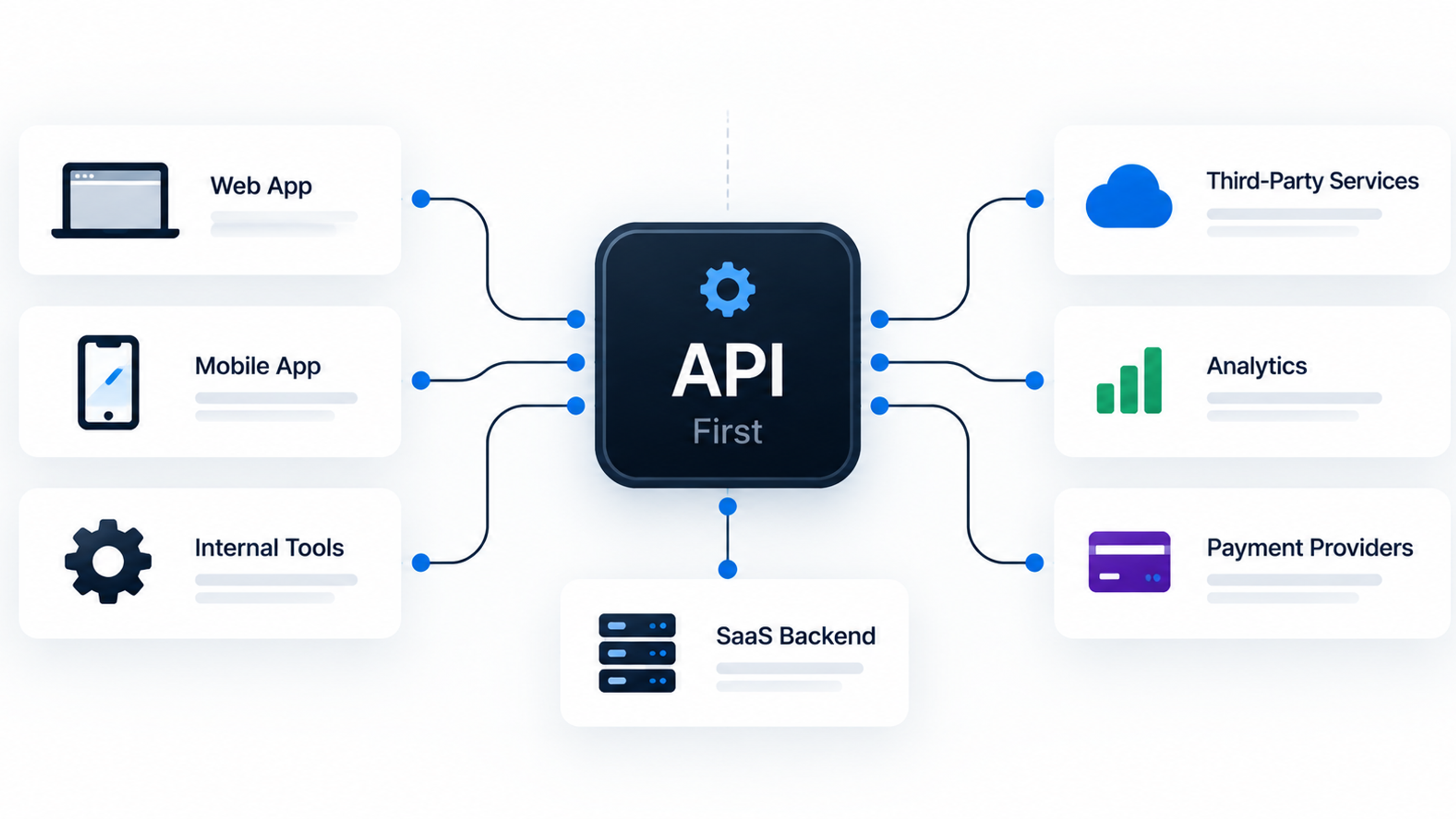
Design Your API and Integrations to Be Used by Others
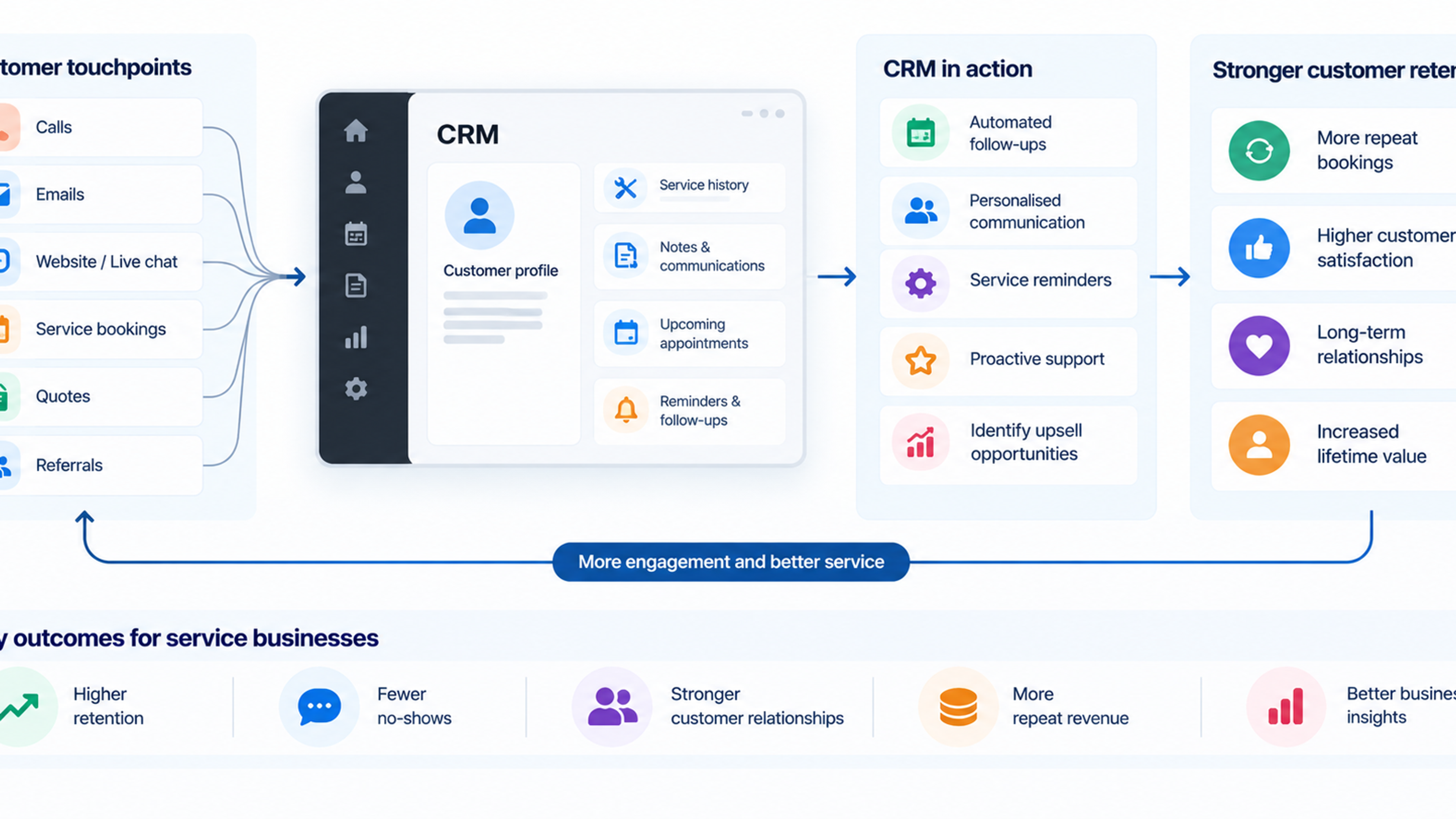
CRM and ERP products rarely stand alone. Customers connect them to accounting tools, email, payment processors, data warehouses, and each other. Integrations drive real load and real support tickets, so they deserve design attention early.
Version your API from the first release, so you can change it without breaking customers who built on it. Authenticate integrations separately from users, with scoped keys that can be revoked. Apply rate limits that are generous but firm, and return clear error responses so developers can fix their own mistakes. For events, offer webhooks with retries and signing so customers can verify messages are genuine, and expect receiving servers to be slow or unavailable at times.
Make write operations safe to repeat. If a customer's integration retries a request after a timeout, it should not create a duplicate invoice. Idempotency keys, which let a client label a request so the server can recognize repeats, are the standard solution and are much easier to include at the start.
When you build outbound integrations, assume the other side will fail. Isolate each connector so a broken third-party service cannot back up your whole job queue, and log enough detail to diagnose problems without asking the customer to reproduce them.
Make the System Observable Before It Breaks
You cannot fix what you cannot see. At a minimum, a young SaaS product needs three things in place: centralized logs that carry a request identifier and tenant identifier, metrics for the basics (error rate, latency, queue depth, database load), and alerts that wake someone for real problems and not for noise.
The tenant dimension is easy to overlook and valuable. If every log line and metric can be filtered by tenant, you can answer questions that otherwise take hours: Is this slowdown affecting everyone or one account? Which customer is generating this spike? One AWS-focused source puts it directly: scaling must be tenant-aware, and auto-scaling should track per-tenant metrics, not just aggregate CPU.
Define what "healthy" means in numbers. Pick a few service level objectives, for example that most requests complete under a certain time and that the API succeeds nearly all the time, and track them. These give you a shared standard for deciding whether to fix reliability or ship features this sprint.
Take backups seriously, and prove they work. Automated backups that nobody has ever restored are an assumption, not a safeguard. Schedule a restore test, including restoring a single tenant's data if you can, since that is the request customers actually make. Document the process so it does not depend on one person's memory.
Watch Cloud Costs From the Start
Cloud bills rarely become a crisis in the first year. They become one in the third, when habits have set. The numbers show how common the struggle is. Flexera's 2026 State of the Cloud report found that managing cloud spend remains a top challenge, cited by 85% of respondents, and that an estimated 29% of IaaS and PaaS spend is now wasted, the first increase in five years. That figure reflects respondents' own estimates from a survey of 753 people, so it is a view from practitioners rather than an audited measure. The same report notes that more than half of organizations still rely on on-demand pricing, and fewer than half use any one commitment discount per cloud provider.
For an early SaaS product, you do not need a full financial operations team. You need a few habits.
Tag resources by environment, service, and where possible tenant, so the bill can be read. Set budgets and alerts so a runaway job shows up in hours, not at month end. Review the bill monthly with the same seriousness as a product metric. Turn off non-production environments overnight if they do not need to run. And once usage is predictable, look at commitment discounts for the steady baseline.
The most useful measure is unit economics: what does it cost to serve one tenant, or one thousand API calls? Flexera reports that nearly half of organizations now use unit economics to track cost per service. If you know your average infrastructure cost per tenant and how it varies by plan, you can price with confidence, spot unprofitable customers, and decide when a silo for a large account actually makes financial sense.
Be cautious about AI features here. Calls to model providers can change your cost structure quickly, and Flexera attributes much of the recent rise in waste to dynamic AI usage, harder rightsizing decisions, and new pricing metrics. If you add such features, meter usage per tenant from the first release.
Build Security and Compliance Foundations Early
Enterprise buyers do not evaluate software only on features. They send security questionnaires, and the answers decide whether a deal moves forward. A common pattern, described by several compliance advisers, is that the first security questionnaire or contract clause that demands a report is the most common starting gun, and the most expensive one, because the deal now idles while compliance catches up.
SOC 2 is the report most often requested of US-oriented SaaS vendors. The timing issue is practical: one go-to-market guide explains that a SOC 2 Type 1 is a point-in-time snapshot you can get in weeks, but Type 2 needs an observation window of at least three months, so if you wait for the first enterprise buyer to demand it you have already lost a quarter. Advice on when to start varies by source and by market, and compliance vendors have a commercial interest in early adoption, so decide based on your own pipeline. If your target customers are large companies, plan for it sooner. If you sell to small businesses, it can reasonably wait.
What you can do now costs little and makes any later audit easier. The same guide lists the unglamorous basics: single sign-on with enforced two-factor authentication, protected branches and reviewed deploys, centralized logging, device management, and a list of your vendors. Add encryption in transit and at rest, least-privilege access to production, secrets kept out of code, and a documented process for handling incidents. Keep a list of subprocessors and a clear data processing agreement, since customers will ask for both.
If you sell internationally, consider data residency early. Some customers need their data stored in a particular region. Your tenant registry, mentioned above, is the natural place to record that.
Make Deployment Boring
A team that can deploy safely many times a week learns faster than one that deploys nervously once a month. Invest early in automated builds and tests, one-command or one-click deployments, and the ability to roll back quickly. Define your infrastructure as code so environments can be recreated and reviewed rather than hand-built and forgotten.
Feature flags are worth adopting early. They let you merge unfinished work safely, release to a few tenants first, and switch off a problem feature without a full rollback. They also support the gradual rollouts that large customers appreciate.
Keep at least one realistic non-production environment where you can test migrations against data of production size. Many migrations are fast on a small test database and catastrophic on a real one.
What You Can Safely Postpone
Early infrastructure advice often lists things to build. Equally useful is knowing what to leave alone.
You probably do not need Kubernetes on day one. Containers are useful, but a managed platform or a simple container service handles a great deal of traffic with less operational burden. One analysis of the microservices consolidation trend points out that containers work equally well for monolithic applications, modular monoliths, and microservices, so adopting containers does not force you into a complex orchestration setup.
You probably do not need multi-region active-active deployment, a custom analytics platform, or a service mesh. You do not need to shard your database before a single well-tuned instance with replicas is struggling. And you do not need to support every possible tenancy model. Choose one, build the escape hatch, and move on.
The test for any piece of infrastructure is simple: what problem does it solve that you have today or can see within the next six to twelve months? If the answer is vague, defer it.
Signals That It Is Time to Revisit
Good early decisions are provisional. Keep a short list of triggers that tell you a decision needs another look.
If your largest tenant is generating a large share of load or contract value, evaluate a dedicated tier. If deploys slow down because many engineers are touching the same modules, consider extracting a module along an existing boundary. If reporting queries are affecting interactive performance, separate the read path. If enterprise deals are stalling at security review, start the compliance program. If one tenant's cost per month looks out of line with its revenue, adjust limits or pricing. And if on-call alerts keep firing for the same reason, treat it as a design problem, not bad luck.
How This Connects to Custom SaaS, CRM, and ERP Development
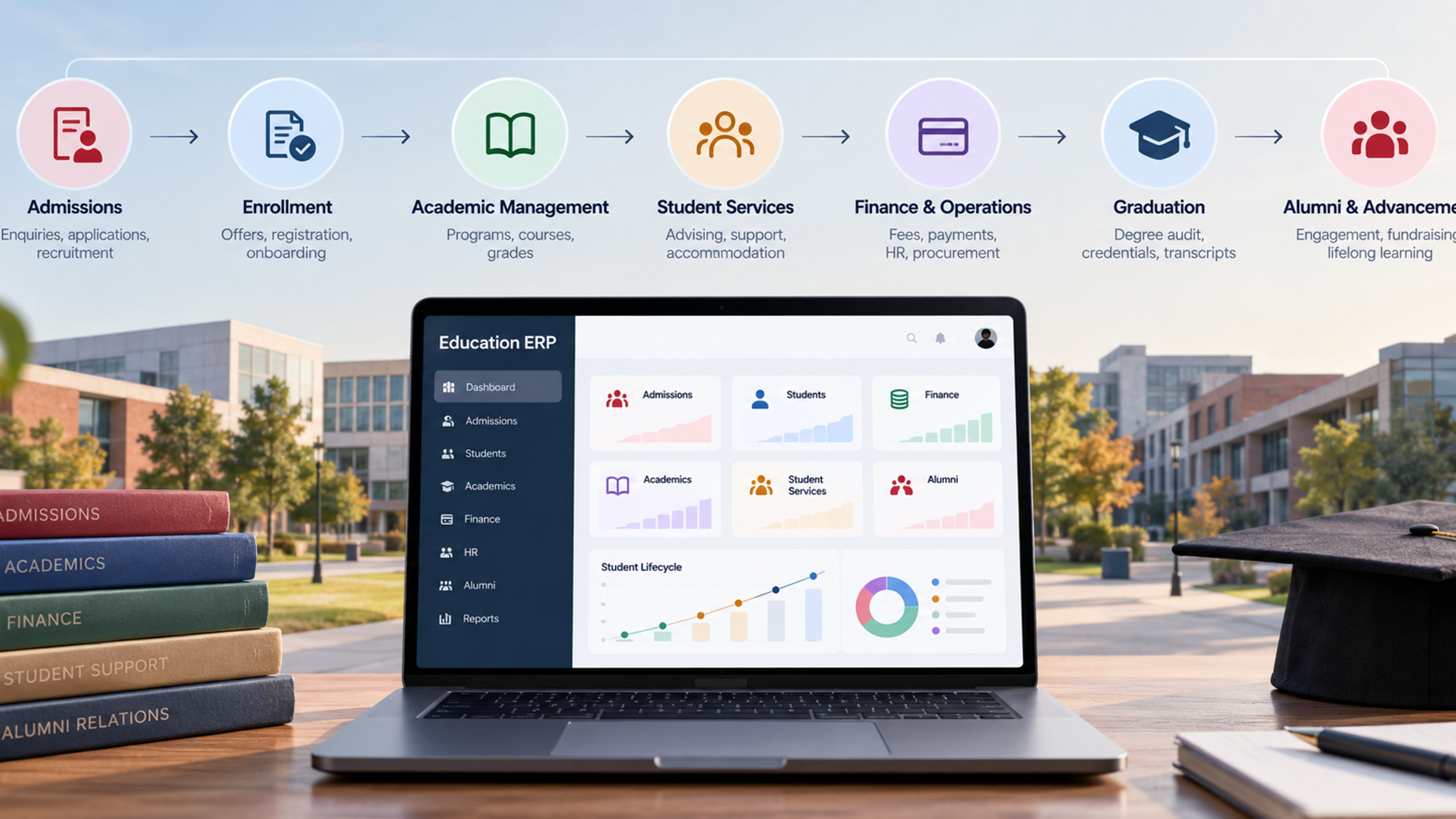
Everything above applies whether you are building your own product or commissioning one. For custom CRM and ERP platforms in particular, the same principles apply with a few extra pressures: heavier customization per customer, more complex permission hierarchies, more integrations, and greater need for audit history and data migration tooling.
If you are working with a development partner, these decisions make good discussion topics before any code is written. Ask how tenant isolation will be enforced and tested, how schema changes will roll out without downtime, how customer-specific configuration will be stored without forking the codebase, and what the plan is for backups, restores, and cost tracking. A team that answers specifically and can show examples is usually a better bet than one that promises everything.
(Internal link opportunities here include your content on custom CRM development, ERP implementation, SaaS product development services, and cloud migration or DevOps support, where they fit what the reader needs next.)
Frequently Asked Questions
Most start multi-tenant, because shared infrastructure is cheaper to run and easier to update. Single-tenant, or silo, deployments make sense for specific customers with strict isolation, recovery, or contractual needs. A hybrid approach, where most tenants share infrastructure and a few get dedicated resources, is common as products mature.
Many advisers suggest starting once enterprise prospects begin sending security questionnaires or when you hold sensitive customer data. Because a Type 2 report requires an observation period of at least a few months, starting before a buyer demands it avoids delaying deals. Your own target market should drive the decision.
Apply per-tenant rate limits, cap the size of exports and imports, run heavy jobs on separate workers, and monitor usage by tenant. For very large or demanding customers, a dedicated tier is the long-term answer.
A single managed relational database with a tenant identifier on every table, a connection pooler, sensible indexes, and automated backups is enough for many products. Add a read replica for reporting when needed, and move to more complex arrangements only when measurements show a problem.
Tag resources so costs can be attributed, set budgets and alerts, review the bill monthly, shut down idle environments, and track cost per tenant. Once usage stabilizes, look into commitment discounts for steady workloads.
It is a single deployable application organized into well-defined modules with clear interfaces and private data. It offers much of the structure of microservices without the operational overhead of running many separate services.
Start with tenant isolation, backups you have tested, basic observability, a safe deployment process, and a flexible permission model. These are hard to retrofit and protect you from the most damaging failures.
For small teams and early products, a modular monolith is usually the safer choice. It keeps deployment and debugging simple while leaving room to extract services later. Microservices become worth considering when separate parts of the system have clearly different scaling needs or when many teams need to deploy independently.