Aisha Sharma
Most businesses cannot say with confidence what their IT environment contains. Servers were added during a growth spurt, cloud accounts were opened by different teams, a few software subscriptions were bought on a company card, and the person who set up the firewall left two years ago. Everything works, mostly, until the day it does not.
An IT infrastructure audit is how you replace that fog with facts. Done well, it tells you what you have, how it is protected, how well it performs, what it costs, and which problems deserve attention first. It does not need to be a months-long project or require a team of consultants, though outside help can be valuable. A small business can run a meaningful audit in a few weeks, and a larger one can structure the work in phases.
This guide walks through the process in the order that makes sense: setting scope, building an inventory, mapping what matters, checking security, performance, resilience and cost, and then turning all of it into a prioritized plan. It also covers the mistakes that make audits produce a thick report and no change.
What an IT Infrastructure Audit Actually Is
An infrastructure audit is a structured review of the technology your business runs on: hardware, networks, servers, cloud services, software, data, accounts and the processes that keep them working. The goal is to compare what exists against what the business needs, and against reasonable standards for security and reliability.
It helps to separate it from related exercises that get mixed up with it. A security assessment or penetration test focuses on how an attacker might get in. A compliance audit checks whether you meet specific regulatory or contractual requirements. A cost review looks at spending. An infrastructure audit overlaps with all of these, but its distinctive job is to establish the full picture across four lenses:
- What do we have, and who is responsible for it?
- How secure and resilient is it?
- How well does it perform for the people and processes that depend on it?
- What does it cost, and does it still fit where the business is going?
Different findings come from each lens. The unsupported server nobody remembers is an inventory and security finding. The slow system everyone complains about is a performance finding. The three overlapping project management tools are a cost and fit finding. A good audit covers all four, because problems in one area often explain symptoms in another.
Before You Start: Scope, Goals and Ground Rules
Audits fail early when nobody agrees what they are for. Spend a few hours settling these points before touching any system.
Define the trigger and the goal. Are you preparing for growth, a cloud migration, an insurance renewal, a merger, a security review, or simply discovering that nobody knows what you own? The trigger shapes the emphasis. A migration audit leans toward dependencies and compatibility. A pre-insurance audit leans toward security controls.
Set the scope. Decide what is included: offices, remote workers, data centers or server rooms, cloud accounts, SaaS applications, operational technology, and third-party systems that touch your data. Be explicit about what is out of scope, so no one assumes a system was reviewed when it was not.
Name an owner and involve the right people. Someone with authority should sponsor the audit, and someone should run it day to day. Include the people who actually use and administer systems, because they know about the workarounds, the neglected servers and the spreadsheets that quietly run important processes. Include finance, which holds records of what you pay for.
Agree on access and safety rules. Auditing often means scanning networks and reading configurations. Do it with permission, during agreed windows, and in ways that cannot disrupt production. Decide how sensitive findings will be stored and who can see them.
Choose a reference framework, lightly. You do not need to certify against anything, but a recognized framework gives your audit structure and a defensible vocabulary. The CIS Critical Security Controls are a practical choice for most organizations. Version 8 contains 18 controls and 153 safeguards, and is organized into Implementation Groups so that smaller organizations can start with a foundational subset. Implementation Group 1, aimed at organizations with limited security resources, comprises 56 safeguards. The NIST Cybersecurity Framework 2.0 is another useful reference, organized around six functions: Govern, Identify, Protect, Detect, Respond and Recover. Using either as a checklist for your own review is perfectly reasonable.
Step 1: Build the Inventory
Everything else depends on this step. You cannot secure, patch, budget for or retire what you do not know exists. It is no accident that the CIS Controls put inventory first: Control 1 covers enterprise assets and Control 2 covers software. The CIS guidance treats a detailed asset inventory as the foundation of the other controls, and its software safeguards include making sure the software you run is still supported.
Build the inventory across several categories.
Hardware and devices. Laptops, desktops, servers, network equipment, printers, phones, tablets and any specialized equipment such as point-of-sale terminals or building systems. Record the owner, location, operating system, age and warranty or support status.
Software and operating systems. Installed applications, operating system versions and database or middleware versions. Note which are commercial, open source or custom-built, and whether each is still supported by its vendor.
Cloud resources. Accounts and subscriptions with providers such as AWS, Azure and Google Cloud, plus the virtual machines, storage, databases and networks inside them. Cloud accounts are notorious for forgotten resources, particularly in test environments.
SaaS and subscription applications. Every application your teams log into, whether IT approved it or not. This is where shadow IT lives, and it is often the largest gap.
Data. Where your important data sits, what kind it is, how sensitive it is and who can reach it. CIS includes a data inventory among its foundational safeguards.
Accounts and access. User accounts, administrator accounts, service accounts, shared logins and third-party access. Include accounts for former employees and contractors that were never removed.
Network. Sites, connections, firewalls, wireless networks, VPNs, remote access methods and anything exposed to the internet.
Finding what you did not know about
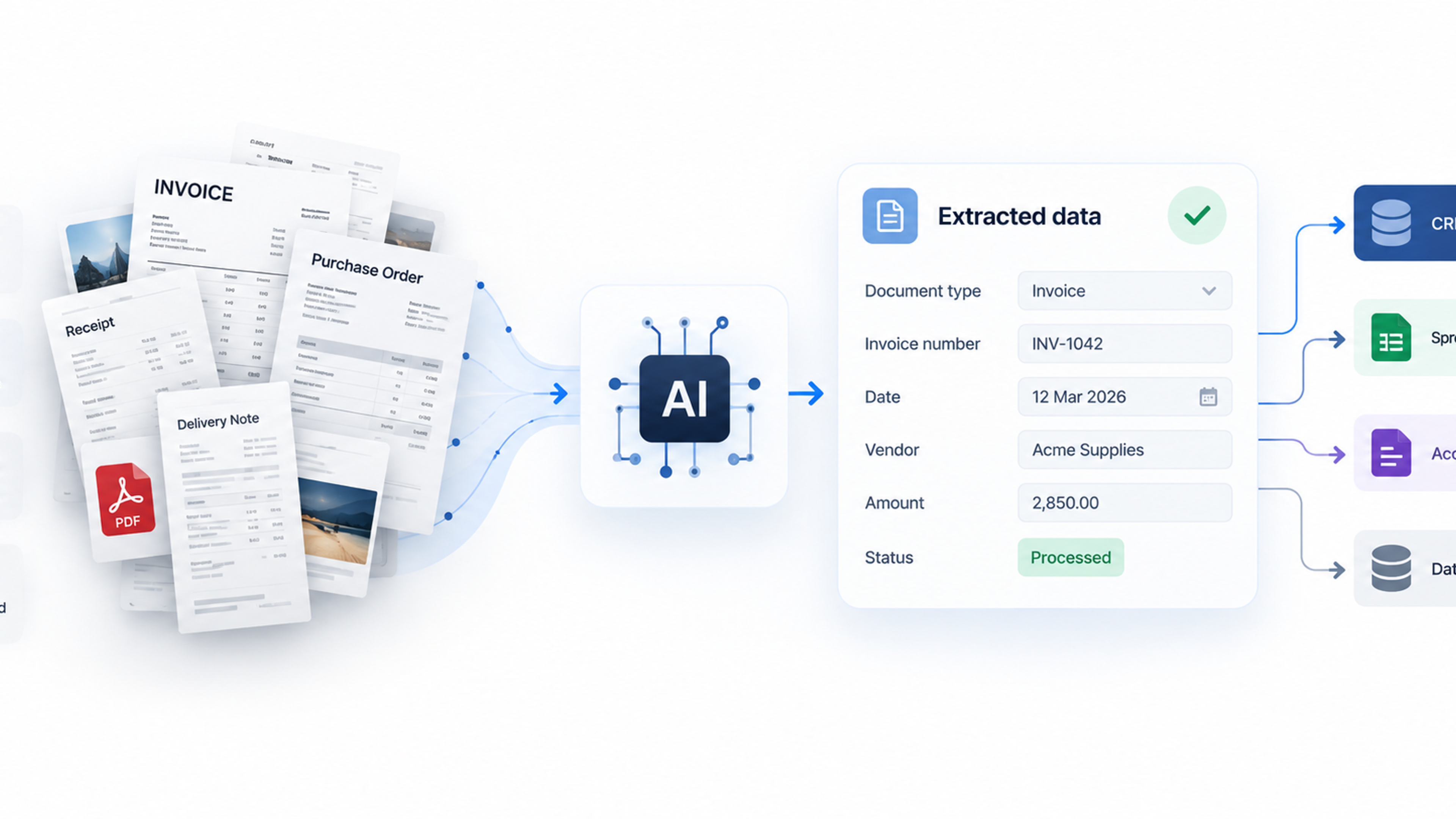
The inventory you can recall from memory is never the complete one. Use several sources to find the rest. Network discovery and scanning tools reveal connected devices. Endpoint or mobile device management consoles list managed machines. Cloud provider consoles and billing dashboards list resources and spend. Your single sign-on or identity provider logs show which applications people actually use. DNS and firewall logs reveal services in use. And accounts payable records, expense reports and company card statements surface subscriptions that never went through IT.
That last source matters. Flexera's 2026 State of the Cloud report, a survey of 753 cloud decision-makers and users, found that 8% of organizations do not track SaaS costs at all, up from 5% the previous year, according to one summary of the findings. A vendor survey like this is indicative rather than definitive, but it matches what many audits find: a gap between what IT thinks exists and what the business is paying for.
Do not aim for perfection in the first pass. A reasonably complete inventory with known gaps is more useful than a perfect one that never gets finished. Mark unknowns clearly and revisit them.
Step 2: Map Dependencies and Business Criticality
A list of assets is a start. What turns it into understanding is knowing which ones matter most and how they connect.
For each significant system, ask what business process depends on it, how long the business could operate without it, and what else it relies on. A billing application might depend on a database server, an authentication service, a payment gateway and a nightly file transfer to an accounting system. If any link fails, billing stops. You will not see that from the asset list alone.
Sort systems into tiers based on business impact. A simple three-tier model works well. Tier 1 systems stop revenue or operations quickly when they fail. Tier 2 systems cause significant disruption within a few days. Tier 3 systems are inconvenient but tolerable to lose for a while. Involve business leaders in the tiering, because IT staff often misjudge which systems the business cares about most. The system that looks minor from an infrastructure perspective might be the one finance cannot close the month without.
Two measures are worth recording for the top tier. The recovery time objective is how long the business can tolerate a system being down. The recovery point objective is how much recent data it can afford to lose. These numbers feed directly into how you assess backup and disaster recovery later.
While mapping, look for single points of failure: one internet connection, one firewall, one database server, one person who understands a legacy application. Many serious outages come from one overlooked dependency, not from a dramatic failure.
Step 3: Assess Security Posture
With an inventory and a sense of criticality, you can review security in a targeted way. You are not trying to test everything equally. You are looking for the common weaknesses that lead to real incidents, starting with the systems that matter most.
Identity and access. Check whether multi-factor authentication is enforced on email, remote access, cloud consoles and administrator accounts, and whether the method is a strong one. Review who has administrator rights and whether they need them. Look for dormant accounts, shared logins, accounts without owners and former staff who still have access. Check how quickly access is removed when someone leaves.
Patching and supported software. Identify systems running operating systems or applications that the vendor no longer supports, since these stop receiving security fixes. Check how long critical updates take to be applied, particularly on systems facing the internet. CISA's Known Exploited Vulnerabilities catalog is a useful reference for which flaws attackers are actively using, and comparing your inventory against it can quickly reveal urgent exposure.
Exposure to the internet. List everything reachable from outside: remote access gateways, web servers, mail servers, management interfaces, file-sharing tools. Anything exposed that does not need to be should be closed. Anything that does need exposure should be patched, protected with MFA where possible and monitored.
Configuration. Look for default passwords, unnecessary services, open ports, overly permissive file shares, public cloud storage and misconfigured cloud permissions. Cloud misconfiguration is a common source of data exposure, and your provider secures the underlying platform while you remain responsible for how your accounts are configured.
Endpoint and email protection. Confirm that devices have current protection that detects suspicious behavior, not just known malware, and that someone is actually watching the alerts. Check email filtering and domain authentication records.
Logging and monitoring. Verify that logs from identity systems, firewalls, cloud platforms and critical servers are collected, retained long enough to investigate an incident, and reviewed by someone. Logs nobody looks at are nearly as useless as no logs.
Third-party and vendor access. List the vendors, contractors and managed service providers who can reach your systems or data, and how that access is controlled and monitored. Weak controls around third-party access are a recurring route into small and mid-sized businesses.
Data protection. Check where sensitive data lives, who can access it, whether it is encrypted in storage and in transit, and whether retention rules are followed.
Keep the focus on what is realistic for your size. The CIS Implementation Group 1 safeguards were designed for organizations with limited security resources, and working through that subset is a credible baseline for a small or mid-sized business.
Step 4: Evaluate Performance and Reliability
Security gets the attention, but staff more often feel infrastructure problems as slowness and outages. A thorough audit looks at both.
Start with the people. Ask employees and customer-facing teams what is slow, what crashes and what they work around. These anecdotes point to real bottlenecks and also reveal which problems cost the most in lost time. Then check them against data.
Capacity and utilization. Look at how much CPU, memory, storage and network bandwidth key systems use over time, especially at peak periods. Systems consistently near their limits are risks. Systems barely used may be oversized and wasteful.
Uptime and incident history. Review outage records, support tickets and monitoring alerts over the past year. Recurring issues usually point to underlying causes that were patched over rather than fixed. If incidents are not recorded anywhere, that is itself a finding.
Network performance. Check internet bandwidth, latency, wireless coverage, VPN performance and the reliability of connections between sites and to cloud services. Poor network design is a frequent hidden cause of slow applications.
Application performance. Identify which applications are slow, where the delay occurs and whether it stems from the application, the database, the network or the client device. Without monitoring, people tend to blame whichever layer they understand least.
Monitoring and alerting. Check whether you would know about a problem before users report it. Look at what is monitored, who gets alerts, and whether alerts are actionable or so noisy that people ignore them.
Hardware lifecycle. Compare the age of equipment against vendor support and typical replacement cycles. Old hardware increases the risk of failure and often cannot run supported software.
Step 5: Review Costs and Fit
The cost lens often pays for the whole audit. Technology spending tends to grow by accumulation, with new tools added and old ones rarely removed.
Cloud spending is a good example. Flexera's 2026 State of the Cloud report estimates that 29% of infrastructure and platform cloud spending is wasted, based on respondents' own estimates, which is the first increase in five years after a steady decline. That number is self-reported by a sample that skews toward the United States and larger organizations, so do not assume it applies to you. It is, however, a reasonable prompt to check your own cloud bill for idle virtual machines, oversized instances, unattached storage, old snapshots and test environments left running.
For each cloud and SaaS service, ask whether anyone still uses it, whether you are paying for more licenses than you need, whether a cheaper plan would do, and whether it overlaps with another tool. Overlap is common: teams adopt their own project management, file sharing or communication tools without realizing others exist. Consolidating can reduce both cost and security exposure.
Also consider fit. Does each major system still match how the business works and where it plans to go? A platform that suited a ten-person company may strain a fifty-person one. Note which systems are likely to need replacement or major investment in the next few years, so those costs are expected rather than surprising.
Include the less visible costs. Staff time spent on manual workarounds, maintenance of old systems, support contracts for obsolete equipment and the cost of downtime all belong in the picture. The cheapest line item on a budget is not always the cheapest option.
Step 6: Test Resilience: Backups, Recovery and Knowledge
Resilience is about what happens when something goes wrong. It is the part of an audit that most often reveals unpleasant surprises, because it is the part least often tested.
Backups. Confirm what is backed up, how often, where the copies are stored and how long they are kept. Check that at least one copy is separated from your main network so a single incident cannot reach it, and that the backup system uses its own credentials. Most importantly, check when someone last restored from a backup. A backup that has never been tested is an assumption.
Disaster recovery. Compare your actual recovery capability against the recovery time and recovery point objectives you set in step two. If the business can tolerate four hours of downtime for a critical system but a real restore would take two days, you have found a gap worth closing. Check whether a written recovery plan exists, whether it is current and whether anyone has practiced it.
Redundancy. Look at the single points of failure identified earlier. Decide which warrant a second internet connection, a failover system or a spare device on the shelf.
Documentation and knowledge risk. Check whether network diagrams, configuration notes, passwords for critical systems and procedures are written down and kept somewhere safe and accessible. Ask what would happen if your most knowledgeable IT person were unavailable for a month. Many small businesses depend on a single individual, and that dependency is a risk to record.
Incident response. Check whether there is a plan for handling a security incident, who is in charge and who to call. Even a one-page plan is far better than improvising.
Step 7: Check Governance and Compliance
Technology works within a framework of policies and obligations. The audit should check that the framework exists and is followed.
Review whether you have clear policies on acceptable use, access control, data handling, remote work and approved software, and whether staff know about them. Check whether joiner, mover and leaver processes work in practice, by sampling recent departures and verifying that access was removed. Check whether administrator access is reviewed periodically. Look at how new software and cloud services are approved and whether procurement and IT talk to each other.
If you are subject to regulations, industry standards or customer contractual requirements, such as data protection laws, payment card standards or security questionnaires from clients, check how your current environment compares and where evidence is thin. The audit is a good time to collect that evidence in one place, which saves time in later reviews. For formal compliance questions, involve people with the relevant expertise, since this article provides general guidance and not legal or regulatory advice.
Score, Prioritize and Plan
By now you will have a long list of findings. The danger is presenting them as a long list. The value of an audit comes from deciding what to do first.
Rate each finding on two dimensions: the potential impact if it goes wrong, and the likelihood that it will. An unsupported server holding customer data and exposed to the internet rates high on both. An aging printer rates low. A simple scale of high, medium and low for each is enough. Then consider effort. Some high-priority items, such as enforcing MFA on administrator accounts or removing an exposed service, are quick and cheap. Do these first.
Group findings into a roadmap with realistic timing: immediate fixes within the first 30 days, important projects within about 90 days, and larger changes planned over six to twelve months. Assign an owner and a target date for each item. Findings with no owner do not get fixed.
Be honest about trade-offs. You will not fix everything, and trying to will exhaust your team. Accept some low-level risks explicitly, record the decision and revisit it later.
Report Findings in Language Leaders Can Act On
The audit report is how the work becomes decisions and budget. Write it for the people who must approve action, not for other technicians.
Open with a short summary: what was reviewed, the overall picture, the handful of most important findings and what you recommend. Present the remaining findings in order of priority, each with a plain description of the issue, the business risk, the recommended fix, the estimated effort and cost, and a suggested owner. Include the inventory and supporting detail as appendices, not in the main body.
Use business language. "The finance system relies on a server that is no longer supported and has no tested backup, so a failure could halt invoicing for several days" is more persuasive than a technical description of the same problem. Where possible, connect findings to cost, downtime, customer impact or regulatory exposure.
Acknowledge what is working. A report that lists only failures can demoralize the team and obscure the strong points worth protecting.
Common Mistakes That Waste an Audit
Starting without a defined scope. Without boundaries, audits sprawl or leave gaps no one notices until later.
Relying on what people remember. Memory misses forgotten servers, unmanaged devices and unapproved apps. Verify with data from scans, consoles, logs and finance records.
Treating it as a one-off. Environments change constantly. An audit is a snapshot, and its inventory decays if no one maintains it.
Producing a report and stopping. A document with no owners, deadlines or budget changes nothing. Plan follow-up from the beginning.
Auditing everything at the same depth. Spend your effort where the business risk is highest. A shallow review of low-impact systems is fine.
Blaming individuals. Audits uncover messy situations that often arose from understaffing and growth. If people expect blame, they will hide problems, and the audit will be less accurate.
Ignoring the human side. Process and habits, such as how access is removed or how changes are approved, matter as much as technology.
Skipping the restore test. Confirming that backups exist is not the same as confirming they work.
How Often to Audit, and When to Bring in Help
A comprehensive audit once a year is a sensible rhythm for most organizations, with lighter reviews between. Certain events should trigger an earlier one: a merger or acquisition, a major migration, a security incident, rapid growth, a change in regulatory obligations or a significant change in the team that manages IT.
Between full audits, build some of the work into routine. Keep the inventory current as part of onboarding and purchasing. Review access quarterly. Check cloud and SaaS spending monthly. Test restores on a schedule. These habits make the next full audit faster and less painful.
You can run a first audit internally, particularly for smaller environments, using the framework approach above. Outside help makes sense in several situations: when you lack the in-house expertise, when you need independent assurance for a board, insurer or regulator, when the environment is large or complex, or when internal politics make it hard to be objective. An external reviewer also brings experience of what typical environments look like, which makes it easier to spot what is unusual. Choose someone who explains their method, shows sample outputs and is clear about what they will and will not examine.
Frequently Asked Questions
It is a structured review of your technology environment, covering hardware, software, networks, cloud services, data, accounts and processes. It checks what you have, how secure and reliable it is, how it performs and what it costs, so you can make informed decisions about what to fix or change.
A small environment can be reviewed in two to four weeks. Larger or more complex organizations often phase the work over several months. The time depends mostly on scope, how organized your records are and how quickly you can access systems and people.
At minimum: an inventory of devices, software, cloud resources, SaaS tools, data and accounts; a map of critical systems and dependencies; security checks on access, patching, exposure and configuration; performance and capacity review; cost review; backup and recovery testing; and governance and compliance checks.
A security audit concentrates on protection against threats and vulnerabilities. An IT infrastructure audit is broader: it includes security but also covers inventory, performance, reliability, cost and fit with business needs.
It varies widely based on size, scope and who performs it. An internal audit costs mainly staff time. External audits range from focused assessments to large engagements. Ask for a clear scope and deliverables before comparing prices.
Annually is common, with additional reviews after major changes such as migrations, acquisitions or security incidents. Between audits, keep the inventory, access reviews and spending checks current through routine processes
The CIS Critical Security Controls are a practical, widely used option, especially the foundational Implementation Group 1 safeguards for smaller organizations. NIST Cybersecurity Framework 2.0 is another well-known reference. Neither is mandatory unless a regulator or contract requires it.
Yes, particularly for small and mid-sized environments, if you have someone with enough technical knowledge and access. Consider outside help when you need independent assurance, specialist expertise, or an objective view of a complex environment.
Typical findings include incomplete asset inventories, unsupported software, inconsistent patching, accounts that were never removed, missing or untested backups, unused paid subscriptions, undocumented systems and over-reliance on a single person's knowledge.