Aisha Sharma
Marketing schedules a product launch for the second week of March.
Nobody tells support, so the team handling the inevitable spike in customer questions finds out when the tickets start piling in. Sales has already promised a client a delivery date that operations never confirmed was realistic. None of this happens because anyone is careless. It happens because each department is working from its own calendar, its own task list, and its own idea of what's actually scheduled, with no shared structure connecting any of it.
This is one of the most common and most fixable sources of friction inside growing businesses. The fix isn't exotic, cross-department shared calendars and connected workflows are well-understood tools, but getting them actually adopted and kept current is harder than installing the software suggests. This article covers why departmental silos form around scheduling in the first place, what a shared calendar and workflow setup actually needs to include to work, and the specific mistakes that cause so many of these rollouts to quietly fail within a few months.
Why departments end up scheduling in isolation
Nobody designs this problem on purpose. It accumulates. A team adopts a calendar tool that works well for their own rhythm, a sales team syncing meetings to a CRM, a project team running sprints on a board with its own internal deadlines, and over time that tool becomes the team's source of truth for everything relevant to them. The natural next step, extending visibility to other departments, rarely happens on its own, because nobody's job is specifically to maintain that connective layer. Each team optimizes its own view of time and gets genuinely good at it, while the handoffs between teams, the moments where one department's deadline depends on another's output, stay dependent on someone remembering to send an email or mention something in a meeting.
The cost of this shows up in ways that are easy to attribute to other causes. Harvard Business Review's research on meeting effectiveness found that a majority of executives consider most meetings unproductive, and a meaningful share of that inefficiency traces back to meetings that exist purely to communicate information that a shared, visible schedule would have made unnecessary. Separate research from Atlassian has put the average time lost to unnecessary meetings and related coordination overhead at dozens of hours per employee per month. Some of that time is genuinely necessary discussion. A real portion of it is people re-explaining what's already scheduled somewhere, just not somewhere everyone can see.
What a shared calendar setup actually needs to solve
Before choosing a tool or designing a rollout, it helps to be specific about which problem you're actually solving, because "shared calendars across departments" covers at least three distinct needs that often get bundled together without being clearly separated.
Visibility into what other departments have scheduled
The most basic need is simply being able to see, at a glance, what another team has planned without asking them directly. A marketing campaign's launch date, a finance team's quarter-end close period, an operations team's planned system maintenance window, these are all things that affect other departments' planning and decisions, and the baseline failure mode is that this information exists somewhere but isn't visible to the people who need it until it's too late to plan around.
Coordination around shared resources and dependencies
A step beyond visibility is actual coordination, where one team's task genuinely can't start until another team's is finished, or where multiple teams need the same resource, a meeting room, a piece of equipment, a specific person's time, at the same point. This is where a shared calendar alone starts to fall short and workflow tools, the kind that track a task's status and trigger a notification when it changes, become necessary alongside the calendar itself.
A single, trusted record of what's actually happening when
The deepest version of this need is having one place that everyone trusts as the current, accurate record, rather than five different partially overlapping calendars each slightly out of date in a different way. This is the hardest of the three to achieve and the one most rollouts fail to reach, because it requires every department to actually commit to keeping their piece of the shared system current, not just occasionally glancing at it.
Getting clear on which of these three a specific rollout is actually trying to solve, rather than vaguely aiming for "better cross-department coordination," makes the difference between a project with a defined scope and one that drifts indefinitely without ever feeling finished.
Building the technical foundation
Choosing where the shared calendar actually lives
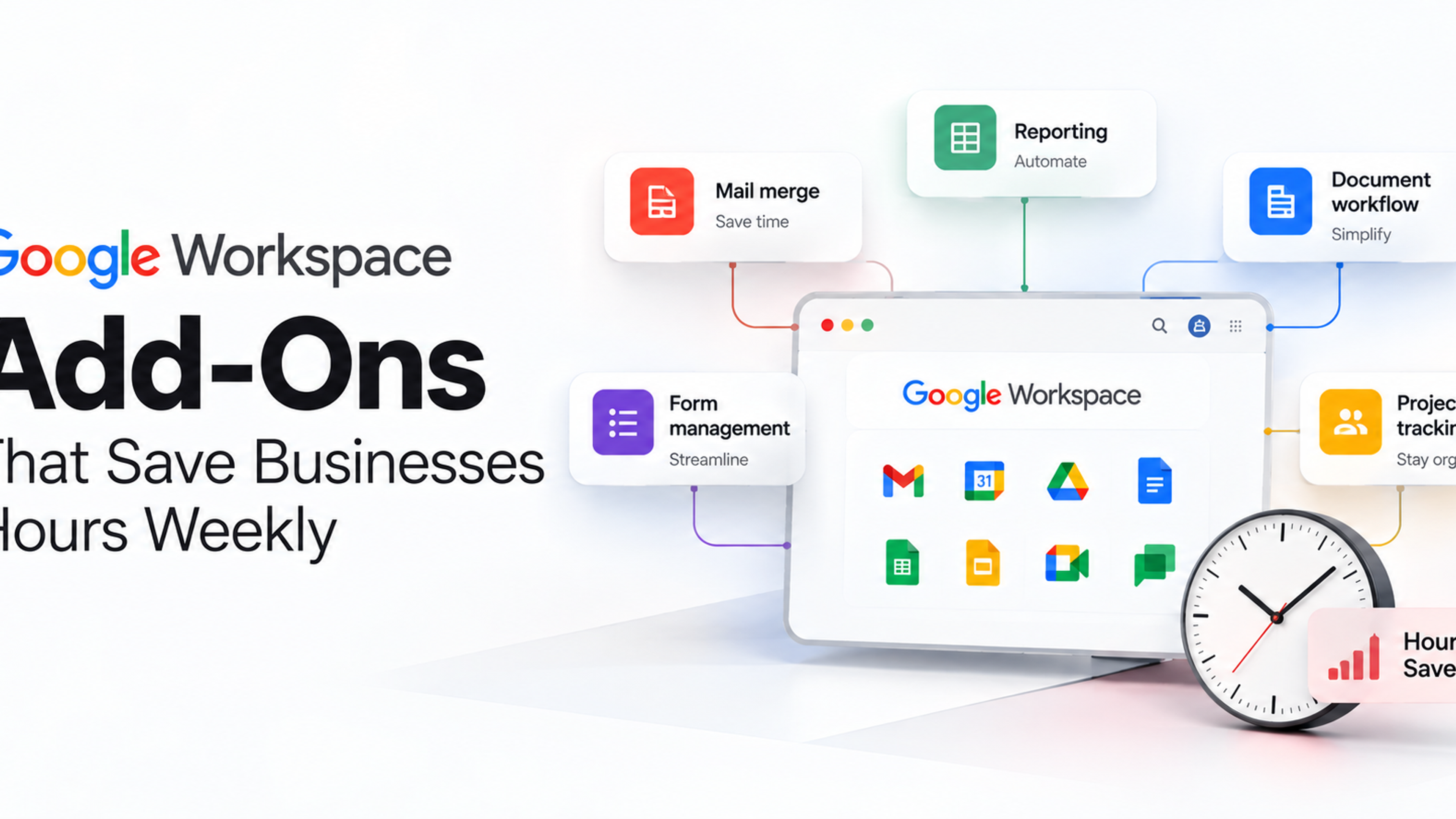
For most businesses already running Google Workspace or Microsoft 365, the shared calendar foundation already exists inside the platform rather than requiring a new tool. Shared and resource calendars, the kind that let a room, a piece of equipment, or a cross-functional project show up as a bookable, visible entity rather than living inside one person's personal calendar, are a core feature of both ecosystems and are frequently underused simply because nobody set them up deliberately. Starting here, rather than introducing an entirely separate scheduling platform, usually produces faster adoption, since it doesn't ask anyone to check a second tool they weren't already using.
Where a dedicated project or workflow tool, Asana, Monday, ClickUp or similar, is already central to how a department operates, the more sustainable approach is usually syncing that tool's deadlines and milestones into the shared calendar automatically, rather than asking every team to abandon the tool they're already comfortable with in favor of one central system everyone has to learn from scratch. Integration tends to succeed where wholesale platform replacement tends to stall.
Deciding what actually belongs on a shared calendar
Not every internal event needs cross-department visibility, and a shared calendar that becomes cluttered with every individual team's routine internal meetings quickly becomes as hard to parse as having no shared calendar at all. The events worth including are specifically the ones with cross-department impact: launch dates, deadlines another team depends on, planned downtime or maintenance, major client deliverables, and recurring cycles like a finance close period that predictably affects how responsive other teams can expect finance to be during that window.
Color-coding or categorizing these by department and by type, a deadline versus a blackout period versus a resource booking, makes a shared calendar usable at a glance rather than requiring someone to click into every entry to understand what it means. This sounds like a minor detail and turns out to matter enormously for whether people actually glance at the shared calendar regularly or give up on it after the first few weeks because it's too dense to parse quickly.
Connecting workflows, not just dates
A calendar shows when something is happening. A workflow shows the status of something as it moves between people and departments, and the two need to work together for genuine cross-department coordination rather than just shared visibility. A practical example: a new client contract that needs to move from sales to legal review to finance setup to onboarding, each step owned by a different department, benefits far more from an automated workflow that updates a shared status and notifies the next owner automatically than from everyone independently checking a shared calendar and hoping they remember to flag when their piece is done.
This is where tools like Zapier, Make, or native automation features inside platforms like Google Workspace Studio or Microsoft Power Automate earn their place: not replacing the calendar, but connecting it to the actual task-level handoffs that a calendar entry alone doesn't capture. A calendar entry can tell marketing that legal review is supposed to finish by Thursday. A connected workflow tells marketing the moment legal review actually finishes, whether that's Wednesday or the following Monday.
Making it actually get used: the harder half of the project
The technical setup, shared calendars configured, workflows connected, is often the easier half of this project. The harder half is getting departments to actually keep the system current and treat it as authoritative rather than as one more thing to update when there's time.
Assign real ownership for keeping each department's piece current
A shared calendar degrades the moment one department stops updating their section promptly, because once other teams catch it being wrong even once, they stop trusting it and go back to asking directly, which defeats the entire purpose. Each department needs a specific person, not a vague collective responsibility, accountable for keeping their team's entries accurate and current. This is a small, ongoing task, not a large one, but it needs to be someone's explicit job rather than everyone's vague intention.
Build updating the shared system into the existing workflow, not alongside it
The rollouts that succeed tend to make updating the shared calendar or workflow tool a natural byproduct of work departments are already doing, rather than an extra step tacked on afterward. If a project management tool already tracks a deadline, syncing that deadline automatically into the shared calendar removes the need for anyone to manually duplicate the entry. Asking people to maintain two separate records of the same information is asking for one of them to quietly go stale within a few weeks.
Start with the specific handoffs causing the most actual pain
Rather than attempting to connect every department's calendar and workflow simultaneously, identify the one or two cross-department handoffs generating the most visible friction today, the launch coordination problem, the contract approval bottleneck, and build the shared visibility and workflow connection around those specifically first. A focused, working example that visibly reduces a real pain point builds the credibility and habit needed to expand the system to other areas. A comprehensive rollout attempted everywhere at once tends to generate resistance precisely because it asks everyone to change their habits before anyone's seen proof it's worth the adjustment.
Set a regular, low-effort review rhythm
A quarterly check, reviewing which shared calendar entries and workflow connections are actually being used, which have gone stale, and which new cross-department dependencies have emerged since the last review, keeps the system from drifting the way most unmaintained shared tools eventually do. This doesn't need to be a large undertaking. A short standing agenda item in an existing cross-department leadership meeting is often enough to catch problems before they've had months to compound.
Where this tends to go wrong
Rolling out a new tool without migrating the habit that made the old system work. A department that trusted its own calendar because someone specific kept it updated loses nothing by that habit transferring to a new, shared tool, and loses everything if the new tool launches without anyone taking on that same ownership. The software is rarely the actual point of failure; the absence of a clear, continuing owner usually is.
Including too much on the shared calendar too quickly. A shared calendar cluttered with every internal meeting from every department becomes noise rather than signal, and people stop checking a calendar that takes real effort to parse. Starting narrow, cross-department-relevant events only, and expanding deliberately as the system proves useful, protects against this far better than trying to capture everything from day one.
Treating the calendar and the workflow as the same thing. A calendar entry showing a deadline is not the same as a live, trackable record of whether that deadline's actual work is on schedule, has stalled, or has already shifted. Businesses that implement only the calendar half, without the task-level workflow connection, often discover the dates were visible all along but the status behind each date was still a mystery until someone asked directly, which was the original problem.
No escalation path when a shared deadline slips. A shared calendar makes it visible when a dependency is at risk, but visibility alone doesn't solve the problem; it just surfaces it earlier. Pairing the shared calendar and workflow with a clear, defined process for what happens when a cross-department deadline is genuinely going to be missed, who gets notified, who makes the call on how to adjust, prevents the system from becoming just an earlier warning of the same coordination failures rather than an actual fix for them.
Assuming one rollout fixes coordination permanently. Departments change their internal tools, their processes, and their staff over time, and a shared calendar and workflow system that isn't actively maintained drifts back toward the fragmented state it replaced. Building in that quarterly review habit from the start is what keeps this from becoming another well-intentioned project that worked for six months and then quietly faded.
A sensible way to start
Pick the single cross-department handoff causing the most visible friction right now, the kind people already complain about in hallway conversations, and build shared visibility and a connected workflow around that one specific case first. Use the calendar infrastructure your business already has, Google Workspace or Microsoft 365 shared calendars, rather than introducing a new platform, and sync existing project tools into it automatically rather than asking anyone to maintain duplicate records. Assign a specific person in each affected department to own keeping their piece current, and set a quarterly check to catch drift before it compounds. Expand to additional departments and handoffs only once the first example is clearly working and trusted, since a narrow system people actually rely on beats a comprehensive one nobody bothers to check.
Frequently Asked Questions
Generally no. Starting with the one or two handoffs causing the most visible, immediate friction, proving the approach works there, and expanding from that working example tends to succeed far more often than attempting a comprehensive rollout across every department simultaneously.
Assign a specific, named person per department responsible for it, and sync it automatically from tools that team is already using rather than asking them to manually duplicate entries in a second system. A shared calendar that requires extra manual effort to maintain tends to go stale within weeks.
A calendar shows when something is scheduled to happen. A workflow tracks the actual status of a task as it moves between people and departments, and updates that status in real time rather than only showing the planned date. Most genuine cross-department coordination problems need both, not just one.
Only events with genuine cross-department relevance: launch dates, deadlines another team depends on, planned downtime, and major client deliverables. Including every individual team's routine internal meetings clutters the calendar and makes it harder, not easier, for people to find what actually matters to them.
Often not. Most businesses already running Google Workspace or Microsoft 365 have shared and resource calendar functionality built in and simply haven't configured it deliberately. Starting with what's already available usually produces faster adoption than introducing an entirely new platform everyone has to learn.